
ATS-Friendly CV Format for Australian Employers
Score your About section or CV summary, free
Most Australian employers of any size receive applications through an applicant tracking system, such as PageUp, JobAdder, Workday, or SEEK’s own tools. The system turns your CV into plain text before a recruiter sees it. A CV built for that step gets read in full; one built for looks can arrive scrambled.
The layout that survives
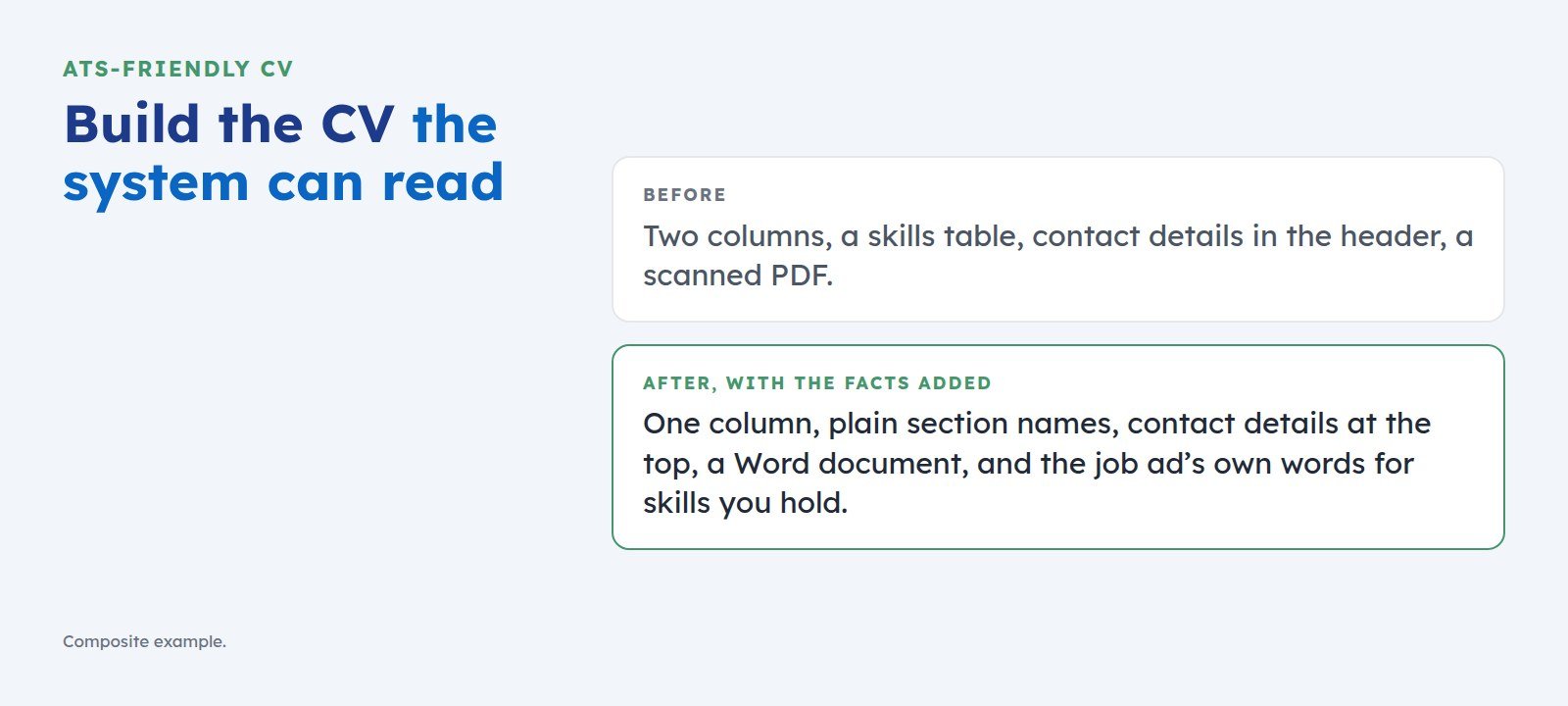
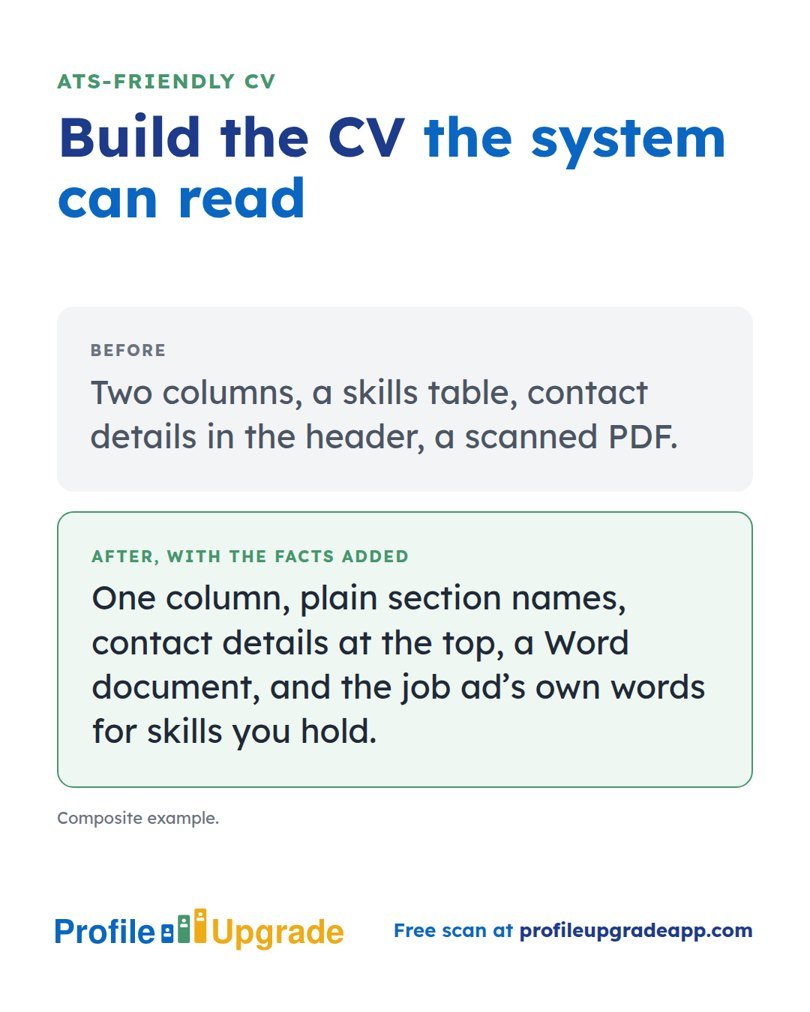
- One column. Two-column layouts can read straight across, running your skills into your job titles.
- No tables, text boxes, or graphics for content. Some systems skip them, and the words inside vanish.
- Contact details in the body, at the top. Some systems ignore headers and footers.
- Standard fonts, 11 point or larger, with dates in one consistent form: “March 2021 to June 2024”.
- Plain section names: Summary, Experience, Education, Skills. A heading such as “Where I’ve made a difference” may not register as experience.
The file type
Send a Word document or a text-based PDF, whichever format the employer requests. If the ad says nothing, a Word document is the safer choice, since every system reads it. Never send a scanned PDF: it is a picture, and a picture holds no words to read.
What Australian recruiters expect
- Two to three pages. Australian CVs run longer than American résumés, and recruiters expect the detail.
- No photo, no date of birth, no marital status. Australian employers do not want them, and some systems flag them.
- Work rights stated in one line when you hold citizenship, permanent residency, or a visa with work rights. Screening questions often ask, and the line saves a query.
- Referees “available on request”, or two named referees with their permission. Either is normal.
- Australian spelling throughout, unless the employer is American and writes in American spelling.
Words the system counts
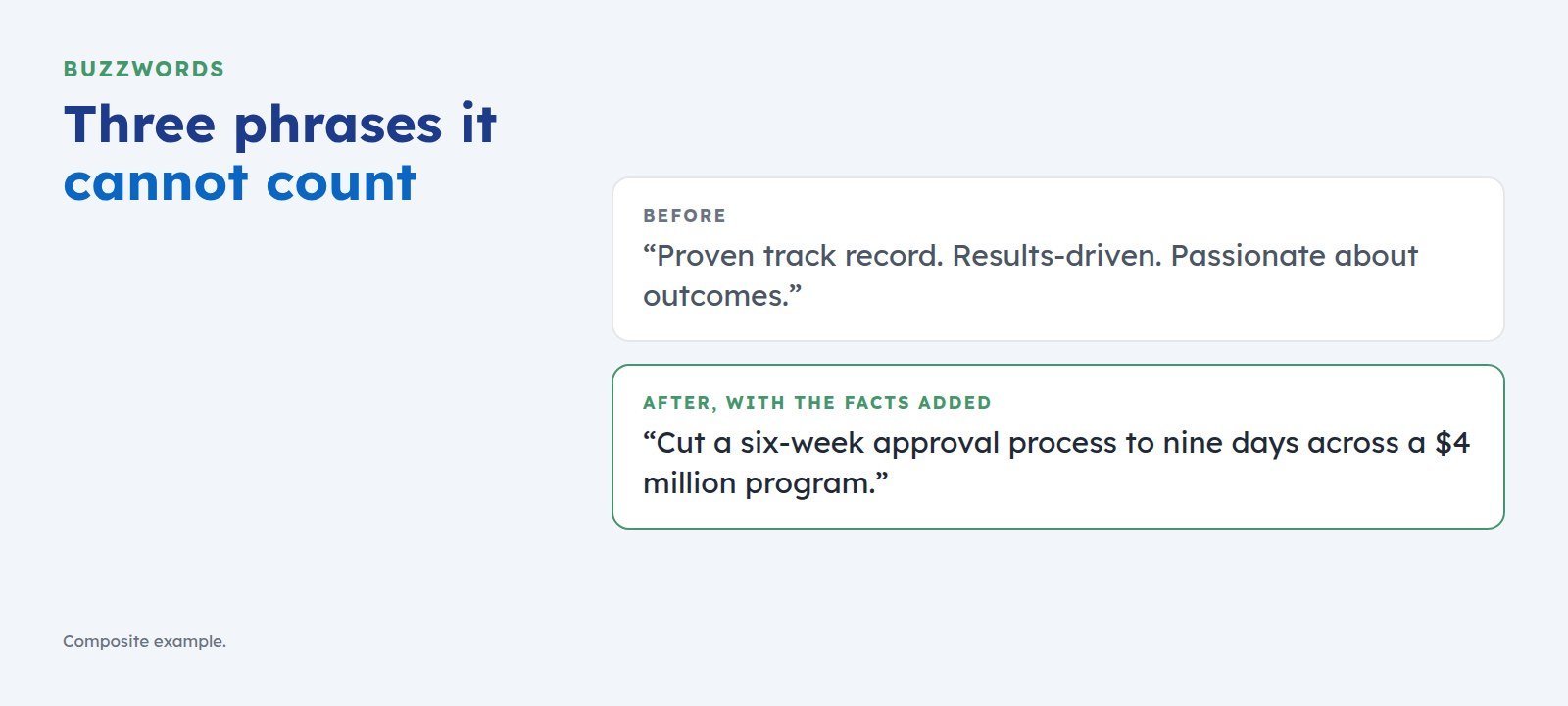
Use the job ad’s own terms for skills you truly have. If the ad says “stakeholder engagement”, write that phrase. Then give the system facts to rank: numbers, named tools, named results. “Cut approvals from six weeks to nine days” gives both readers something to count; “proven track record” gives neither anything.
A one-minute check
Open your CV, select all, copy, and paste into a plain text editor such as Notepad. What you see is roughly what the system sees. If your columns have merged or your contact details have vanished, fix the layout before you apply.
See how a screen reads your CV
Profile Upgrade’s free scan reads your CV text the way a screen does, scores it out of 100, marks the lines that undersell you, quoted in your own words, and rewrites three of them.
Step 1 of 3 · 30 seconds
How does your About section score?
Paste your LinkedIn About section, or the summary at the top of your CV, and pick the role you want below. Your score appears in seconds, with a stronger opening.
No account, no email. Profile Upgrade saves nothing you paste.
See how a screen reads your profile. The free scan scores your LinkedIn profile or CV out of 100, marks the lines that undersell you, quoted in your own words, and rewrites three of them. No account; nothing you paste is saved.
More guides
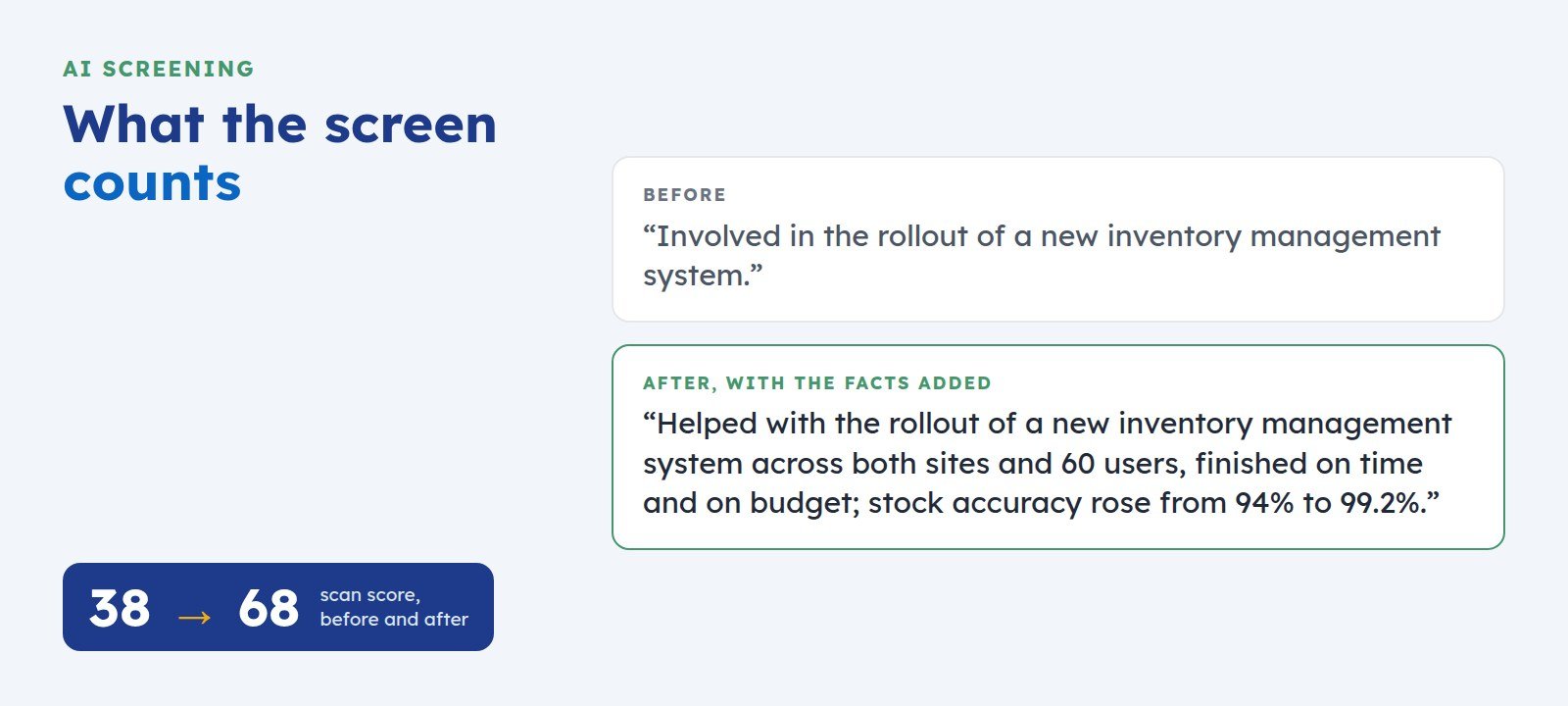 How to Get Your LinkedIn Profile Past AI ScreeningScreening software reads your LinkedIn profile before a recruiter does. Here is what it looks for, where profiles lose points, and five fixes you can make today.
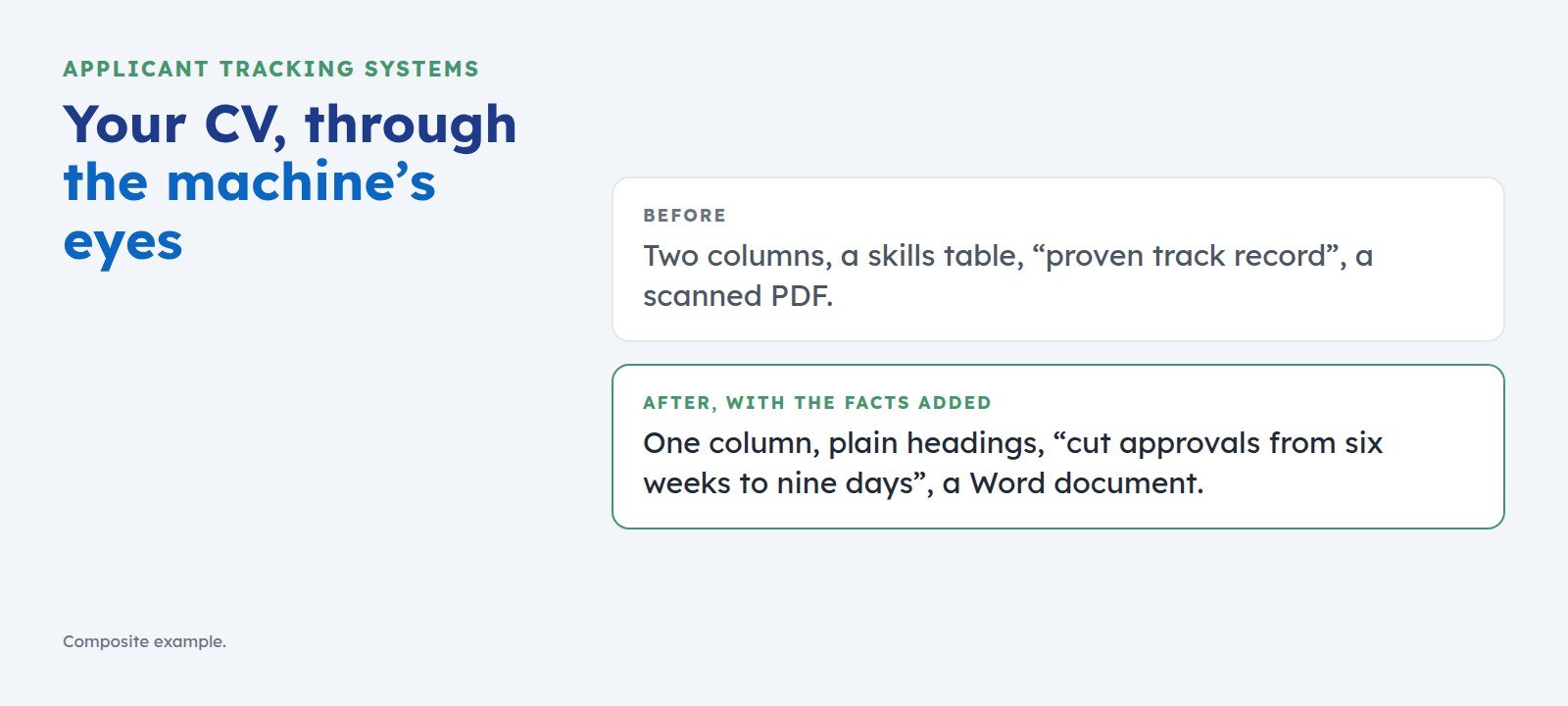 What an ATS Does With Your CV, and How to Get Past ItAn applicant tracking system reads your CV before a recruiter does. Here is what it does with your application, what it misreads, and five fixes that get you ranked.
 The Buzzwords That Cost You the Shortlist, and What to Write Instead“Proven track record” and “results-driven” give screening software nothing to count. Here is the swap test that turns each buzzword into a line a recruiter can shortlist.