
How to Write a LinkedIn Headline That Gets You Shortlisted
Score your LinkedIn headline free, in 10 seconds
Your headline is the first line a screen reads. It also appears beside your name in search results and under every comment you write.
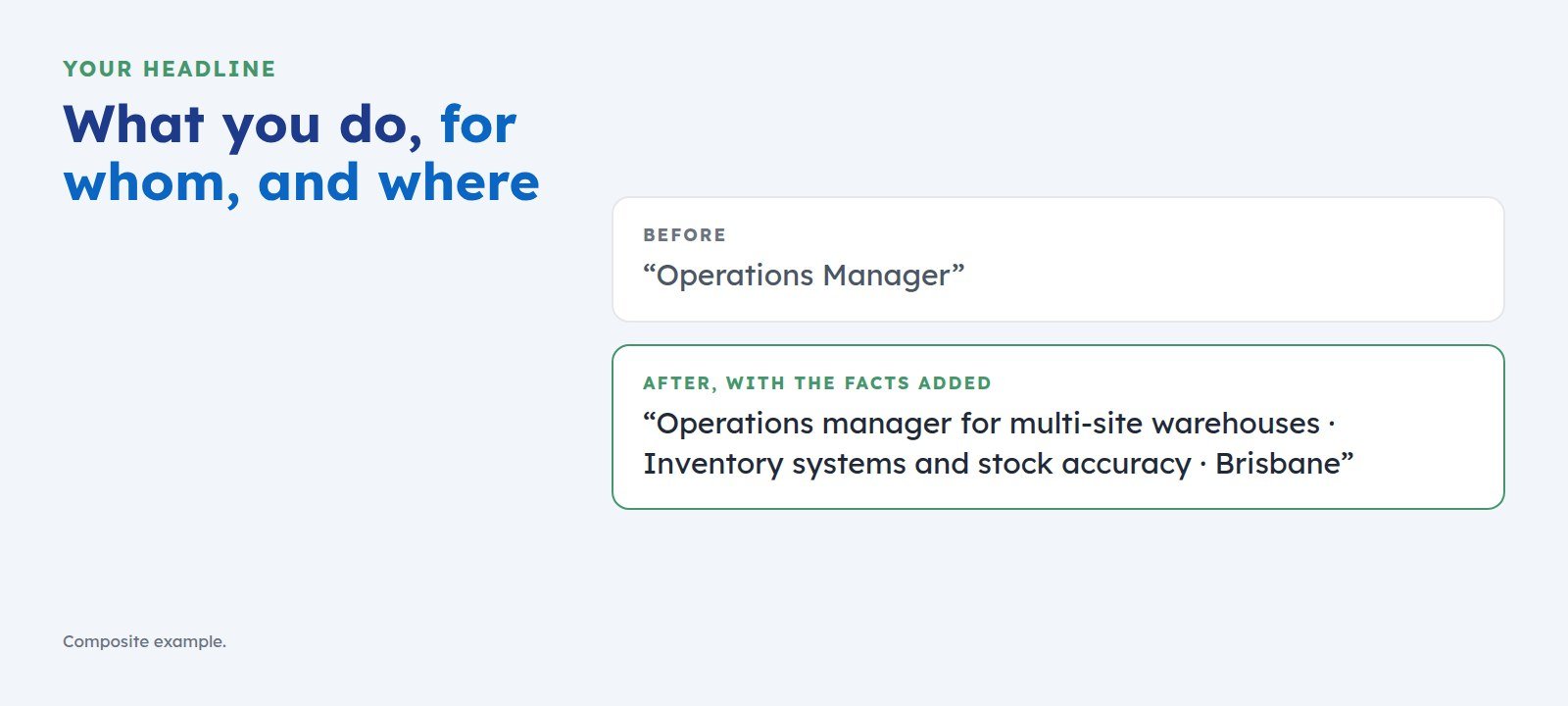
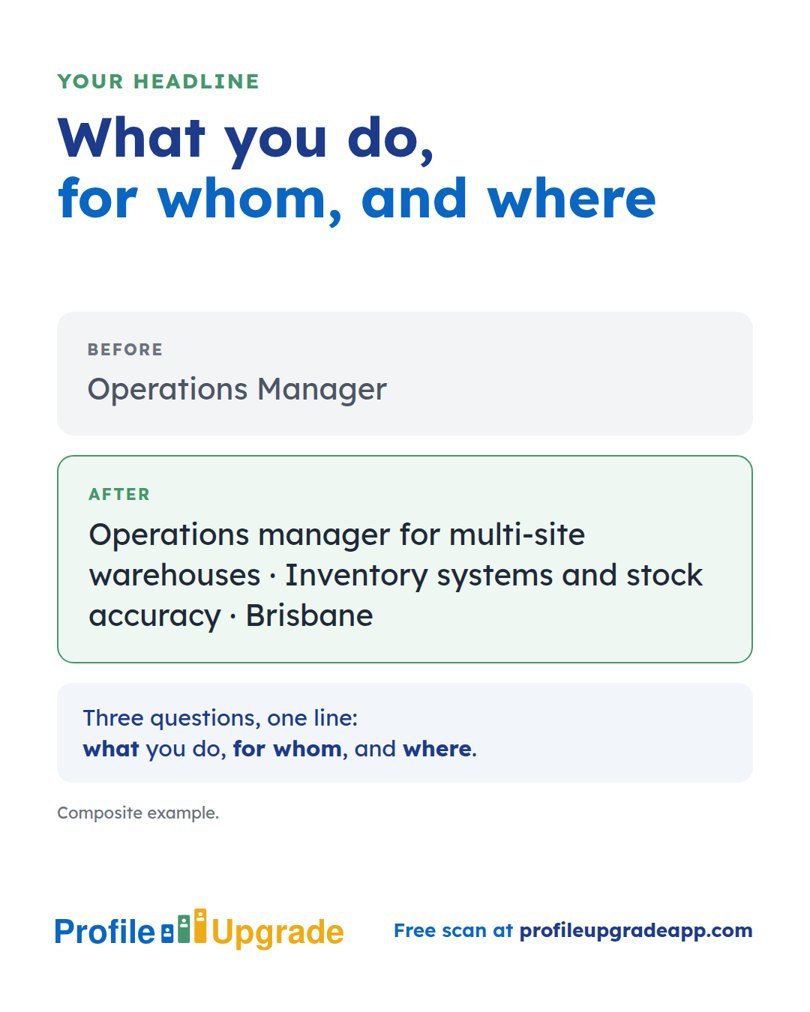
Most headlines state a job title and nothing more. “Operations Manager” tells a screen your title. It says nothing about your field, your scale, or your market.
The pattern: what you do, for whom, and where
A strong headline answers three questions in one line. What do you do? For whom, or in what kind of organisation? Where, or in what market?
LinkedIn allows up to 220 characters. Fill them with the facts recruiters search, and leave out slogans.
Examples for different goals
- Senior manager: Head of Finance for mid-sized health providers · Budgets, audit, and board reporting · Melbourne
- Independent consultant: Change management consultant for disability and aged care providers · 23 clients since 2019
- Graduate: Civil engineering graduate · Stormwater and road design · Seeking graduate roles in Queensland
- Career changer: Teacher moving into UX design · User research and learning platforms · Certificate in UX, 2026
- Returning after a break: Payroll specialist returning to work · Multi-state payroll and award interpretation · Sydney
- Specialist or professional: Clinical pharmacist in hospital oncology · Chemotherapy protocols and safety audits · Perth
- Executive: Chief operating officer for regional health networks · Turnarounds and growth to $300 million revenue · Open to CEO roles
- Board member or non-executive director: Non-executive director · Audit and risk chair · Not-for-profit and aged care boards · GAICD
- Freelance contractor: Contract data engineer · Azure and Databricks migrations for banks · Available from November 2026
- Founder: Founder, bookkeeping software for tradespeople · 1,200 paying customers · Seeking seed investors
These are composite examples. Build yours from your own facts.
Mistakes that cost you the shortlist
- A job title alone. It hides the field and the level recruiters search.
- “Seeking new opportunities.” It tells a recruiter what you want and says nothing of what you offer. If you want to say you are looking, put it after the facts.
- Slogans and strings of emoji. A screen finds nothing in them to match.
- A list of every skill you hold. Choose the two or three your target role asks for most.
Test your headline against the role you want
Profile Upgrade’s free scan shows how a screen would file you from your headline and wording: the identity, seniority, and market your words suggest. The full Profile Upgrade then writes three headline options for the role you choose.
Step 1 of 3 · 10 seconds
How does your LinkedIn headline score?
Paste the line under your name. Your score appears in seconds, with a stronger headline written for the role you pick below.
No account, no email. Profile Upgrade saves nothing you paste.
See how a screen reads your profile. The free scan scores your LinkedIn profile or CV out of 100, marks the lines that undersell you, quoted in your own words, and rewrites three of them. No account; nothing you paste is saved.
More guides
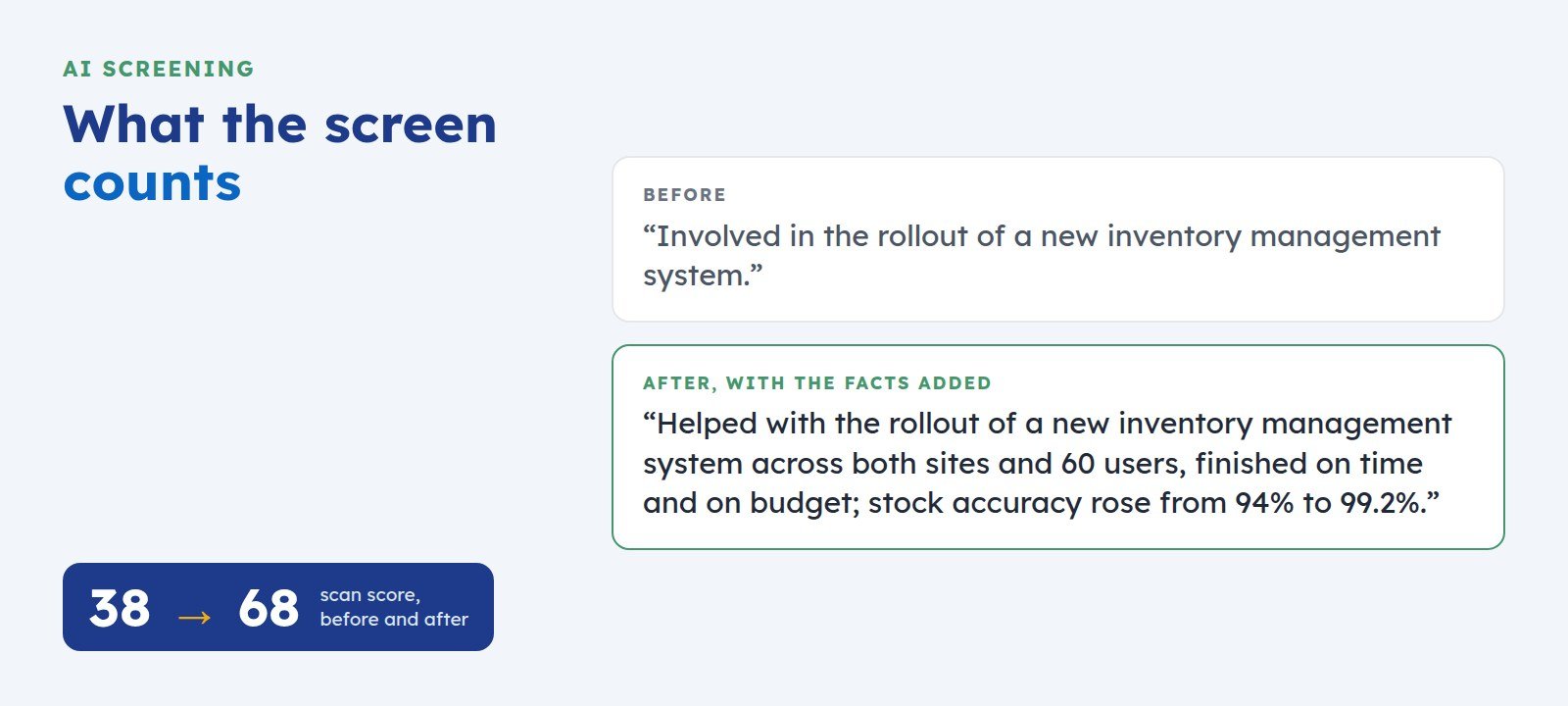 How to Get Your LinkedIn Profile Past AI ScreeningScreening software reads your LinkedIn profile before a recruiter does. Here is what it looks for, where profiles lose points, and five fixes you can make today.
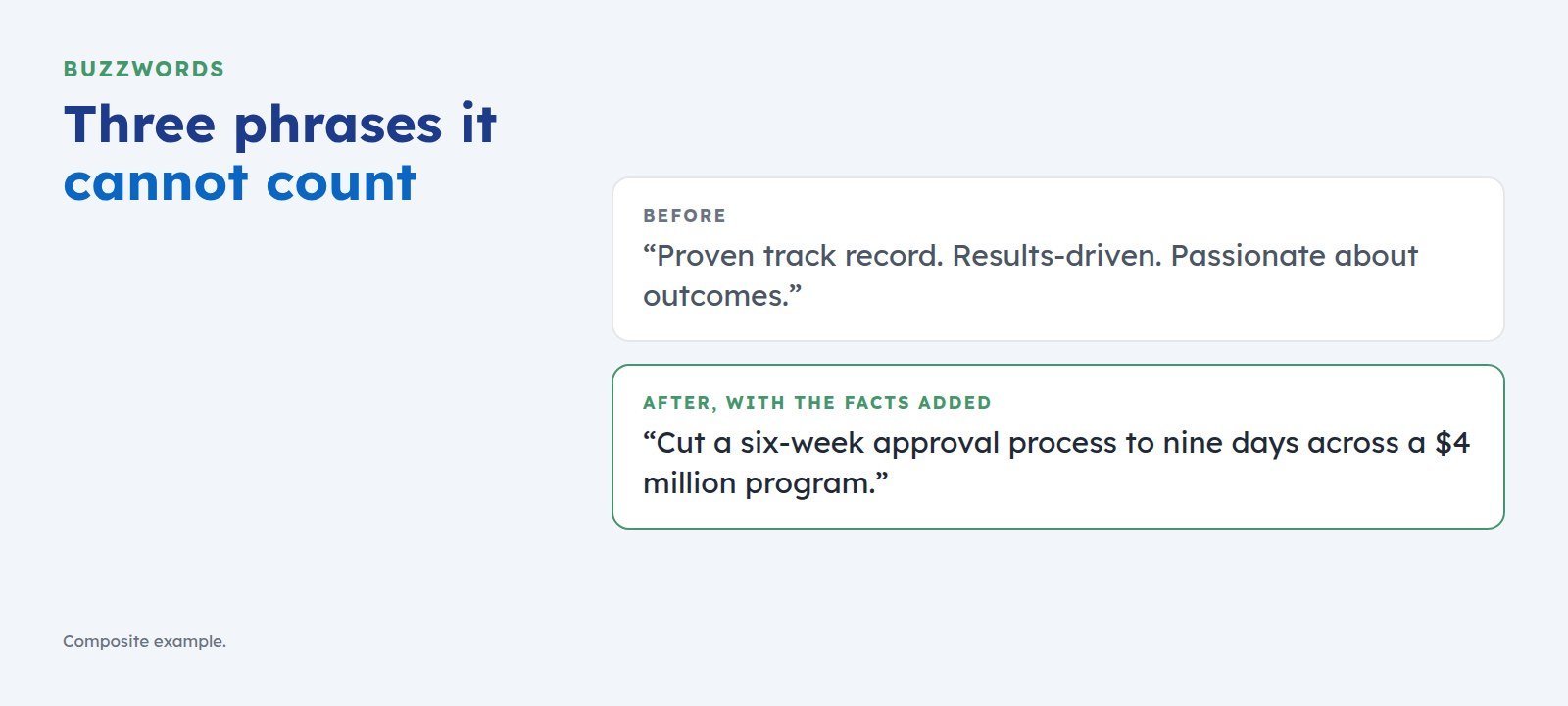 The Buzzwords That Cost You the Shortlist, and What to Write Instead“Proven track record” and “results-driven” give screening software nothing to count. Here is the swap test that turns each buzzword into a line a recruiter can shortlist.