
How to Get Your LinkedIn Profile Past AI Screening
Score your LinkedIn headline free, in 10 seconds
You applied. You were qualified. You heard nothing.
Jobs and Skills Australia put it plainly: “Artificial intelligence is now the first gatekeeper in hiring.” And: “In practice, machines often decide the applicants that will be reviewed by the recruiter.”
Your LinkedIn profile and your CV now have two readers. The first decides whether the second ever sees you.
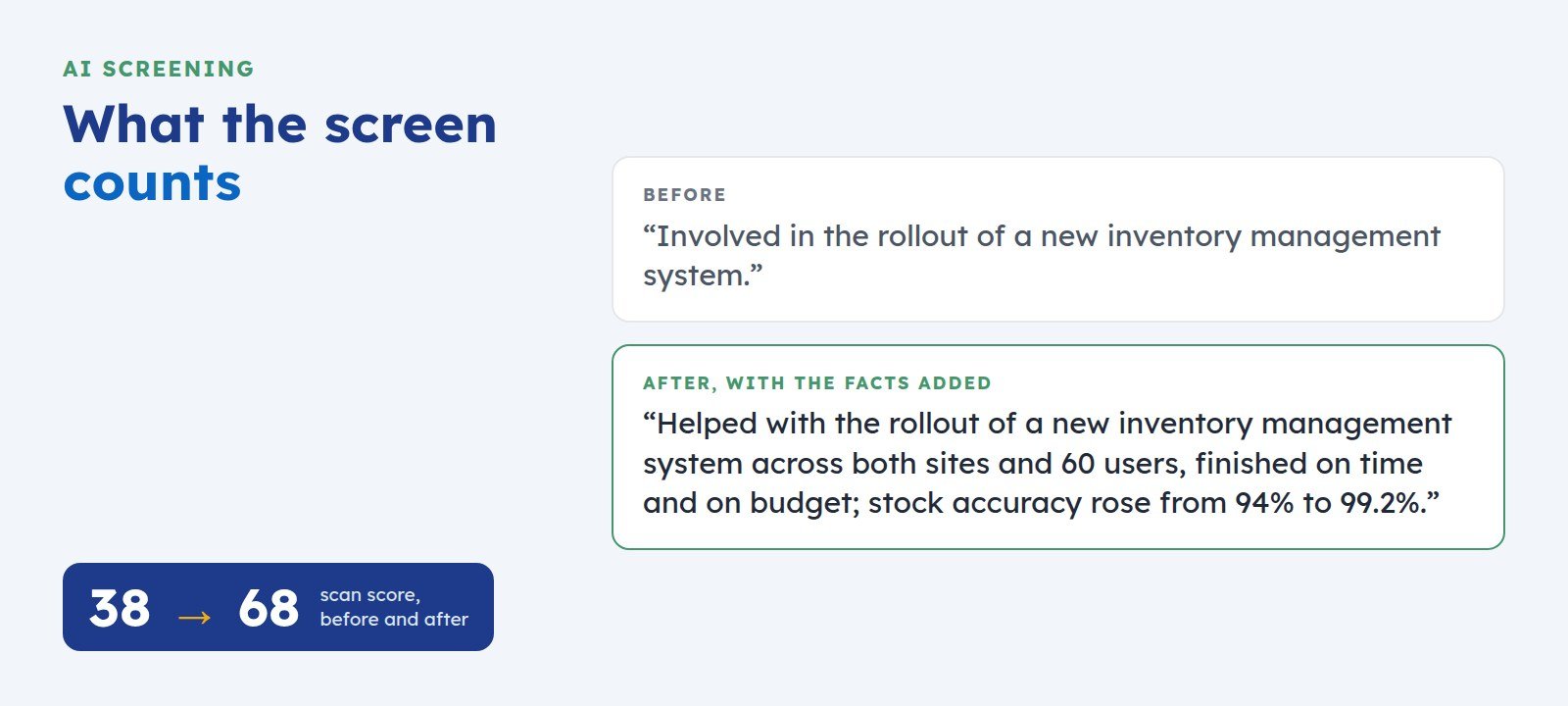
What the screen counts
Screening software reads your words for evidence it can count. It asks four questions of every line: what did you do, for whom, at what scale, and with what result?
It also reads your headline and wording for signals of your field and your level. A profile that answers those questions plainly is easy to shortlist. A profile that leaves them unanswered falls behind one that answers them, whoever has the stronger record.
Where capable people lose points
- Adjectives in place of facts. “Results-driven” and “proven track record” give the machine nothing to count.
- Duties in place of results. “Responsible for onboarding” describes a job description. It says nothing about what you achieved.
- Weak verbs. “Involved in” and “assisted with” hide your contribution, even when it was real.
- A headline that states only a job title. “Operations Manager” tells a screen your title and nothing about your field, your scale, or your market.
Five fixes you can make today
- Rewrite your headline to say what you do, for whom, and where. For example: Operations manager for multi-site warehouses · Inventory systems and stock accuracy · Brisbane.
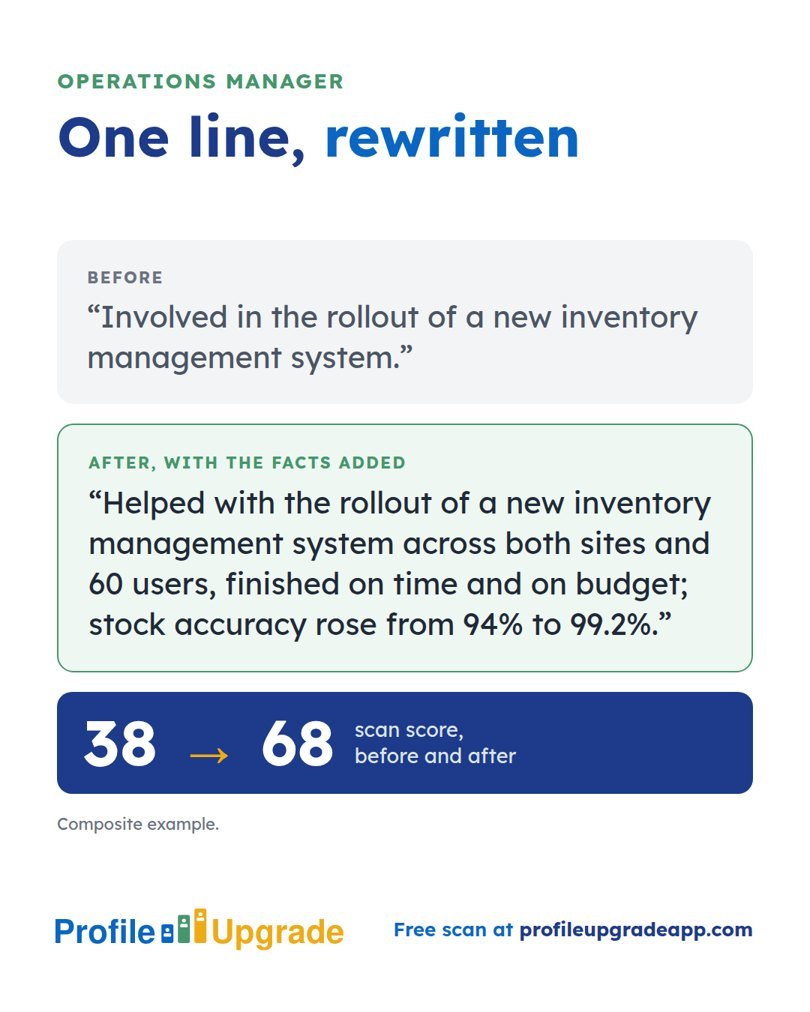
- Rebuild your latest role around outcomes. Use one pattern for each line: the action, the scale, and the result. “Involved in the rollout of a new inventory management system” becomes “Helped with the rollout of a new inventory management system across both sites and 60 users, finished on time and on budget; stock accuracy rose from 94% to 99.2%.”
- Replace every adjective with the fact that proves it. If you call yourself client-focused, name the client you kept and for how long.
- Name the methods and tools your target role uses. A teacher moving into UX design who writes “contextual interviews and card sorting with 12 teachers and 30 students” gives a UX screen the words it seeks.
- Order your skills for the role you want next, with the most relevant first.
Keep every line true
Stronger wording must never inflate your part in the work. If you helped, write “helped with”, and let the scale and the result do the persuading. A recruiter who finds an inflated claim at interview stops trusting the rest of the profile.
Where you lack a figure, find the real one. Old reports, performance reviews, budgets, and project emails usually hold it.
Check your profile the way a screen reads it
Profile Upgrade’s free scan reads your profile or CV for the same evidence, scores it out of 100, marks the lines that undersell you, quoted in your own words, and rewrites three of them on the spot. It takes about a minute, needs no account, and stores nothing you paste.
Step 1 of 3 · 10 seconds
How does your LinkedIn headline score?
Paste the line under your name. Your score appears in seconds, with a stronger headline written for the role you pick below.
No account, no email. Profile Upgrade saves nothing you paste.
See how a screen reads your profile. The free scan scores your LinkedIn profile or CV out of 100, marks the lines that undersell you, quoted in your own words, and rewrites three of them. No account; nothing you paste is saved.
Source: As AI recruitment becomes the norm, Australia risks leaving real talent behind, Jobs and Skills Australia.
More guides
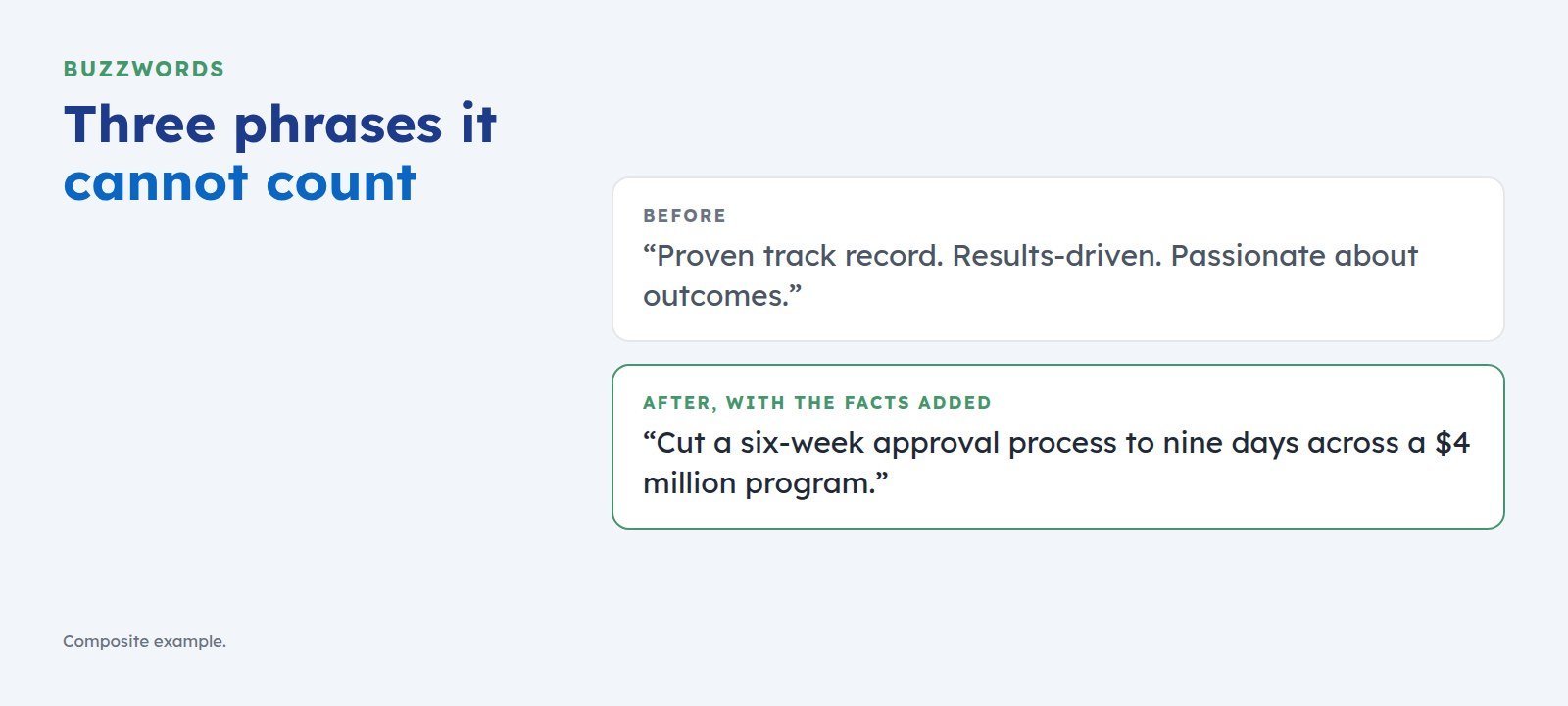 The Buzzwords That Cost You the Shortlist, and What to Write Instead“Proven track record” and “results-driven” give screening software nothing to count. Here is the swap test that turns each buzzword into a line a recruiter can shortlist.
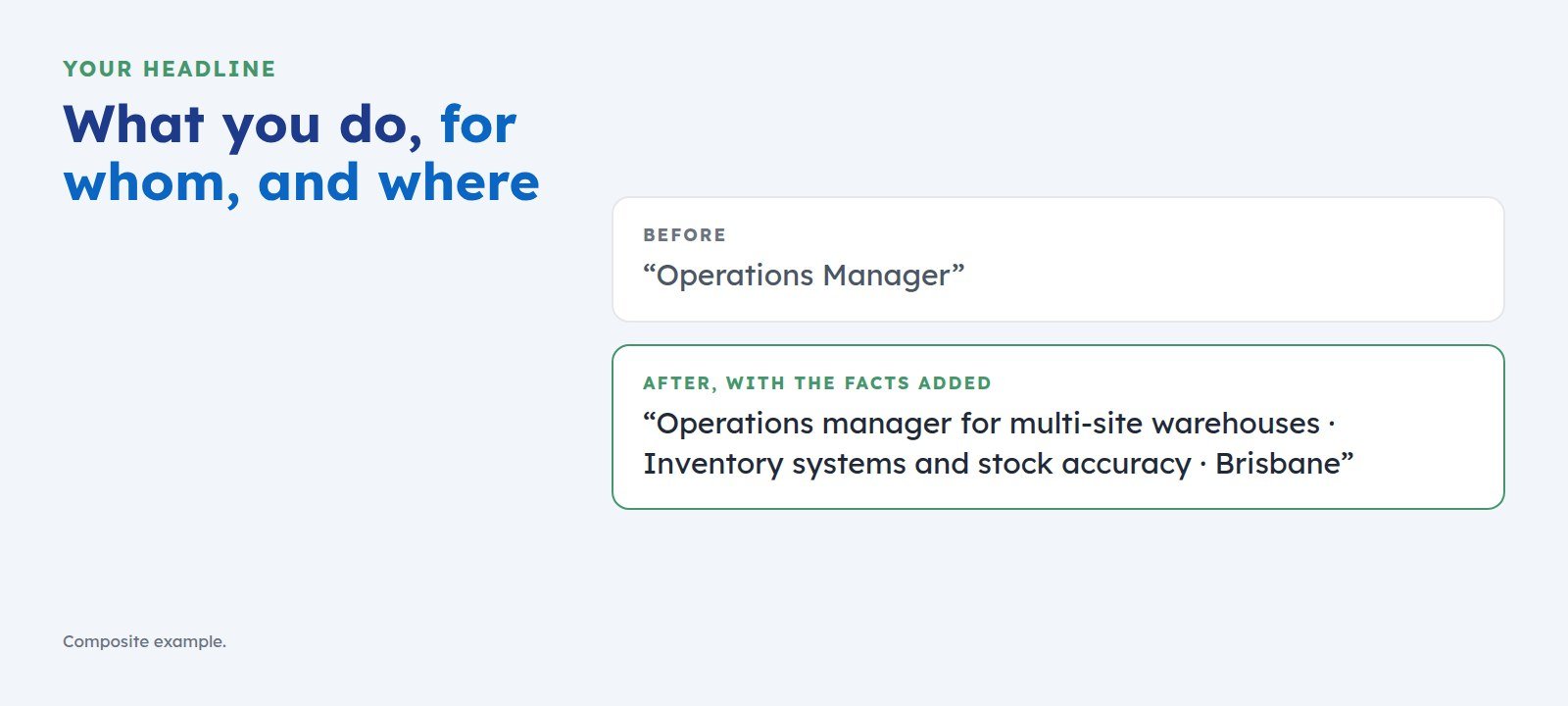 How to Write a LinkedIn Headline That Gets You ShortlistedYour headline is the first line a screen reads. Use one simple pattern, what you do, for whom, and where, with examples for managers, consultants, graduates, and career changers.