
Free LinkedIn Headline Checker
Your headline sits beside your name in every search result, comment, and application. Paste it below for a score out of 100, the weakness costing you most, and three stronger headlines written for the role you want.
Step 1 of 3 · 10 seconds
How does your LinkedIn headline score?
Paste the line under your name. Your score appears in seconds, with a stronger headline written for the role you pick below.
No account, no email. Profile Upgrade saves nothing you paste.
How the score works
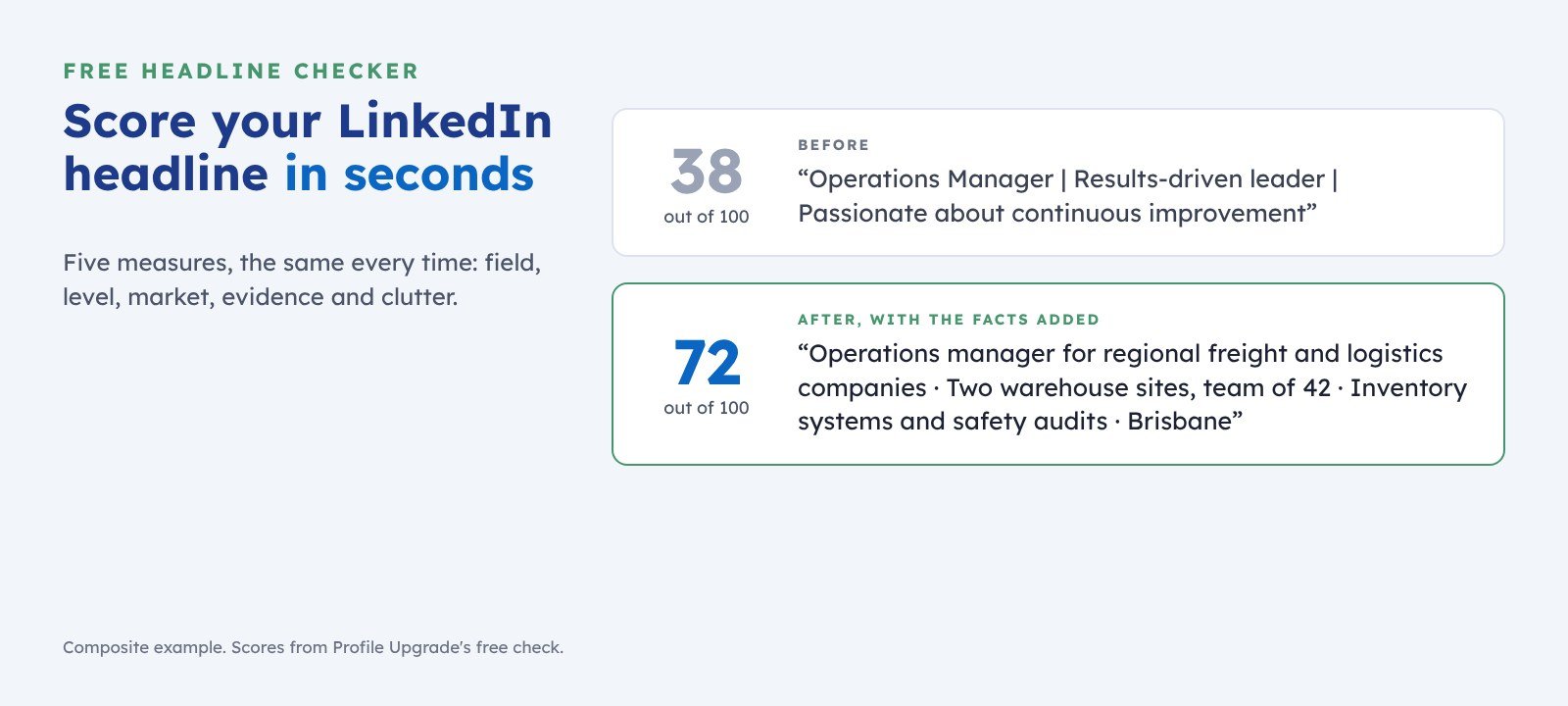
The checker scores your words on five measures, the same way every time:
- 25 ptsField. Does it name your discipline in the words a recruiter would search for?
- 20 ptsLevel. Does it signal the seniority you want?
- 20 ptsMarket. Does it say for whom, in what sector, or where?
- 20 ptsEvidence. Does it hold one concrete fact, such as a figure, a credential, or a named specialty?
- 15 ptsClutter. Does it avoid slogans, strings of emoji, and empty adjectives such as “passionate” and “results-driven”?
The score judges your words alone. It cannot see what a particular employer’s system also weighs, such as your location or your activity on LinkedIn. Use it to decide what to fix first.
What a high-scoring headline holds
A strong headline answers three questions in one line: what you do, for whom, and where. Lead with the words a recruiter types into search, then add the one fact that sets you apart.
LinkedIn allows 220 characters. Spend them on your field, your market, and your evidence; leave out slogans. The headline guide gives ten examples, one for each kind of goal.
Questions
Is the headline checker free?
Yes. No account and no email address. You can run it up to 20 times a day.
Does Profile Upgrade keep my headline?
No. Your text goes to the analysis service for scoring, and Profile Upgrade keeps no copy. No account, no email address, no cookie.
How long can a LinkedIn headline be?
LinkedIn allows up to 220 characters. The checker accepts any headline up to that length.
Will the rewrites invent facts about me?
No. Where your headline lacks a fact, a rewrite leaves a highlighted prompt, such as [add your sector], for you to fill with your own. The first rewrite uses only your own words.
What happens after the headline?
Step 2 scores your About section the same way and unlocks two more headlines. Step 3 scores your whole profile, free.
One part scored; the rest of your profile decides the shortlist. The free full scan scores your whole LinkedIn profile or CV out of 100, quotes every line that undersells you, and rewrites three of them. The full rewrite covers your headline, About section, and three latest roles, with your score up 15 points or to 90, or your money back.
Guides for the next step
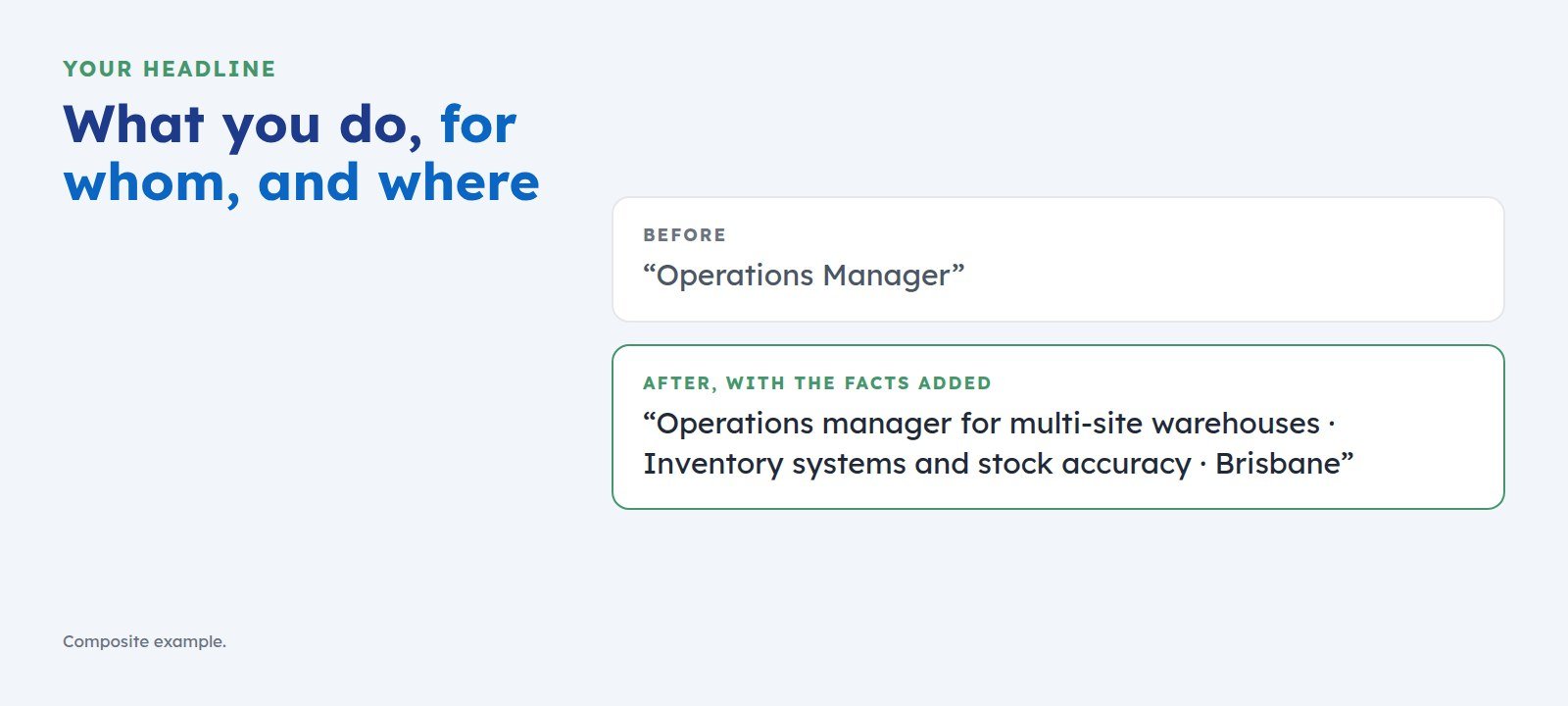 How to Write a LinkedIn Headline That Gets You ShortlistedYour headline is the first line a screen reads. Use one simple pattern, what you do, for whom, and where, with examples for managers, consultants, graduates, and career changers.
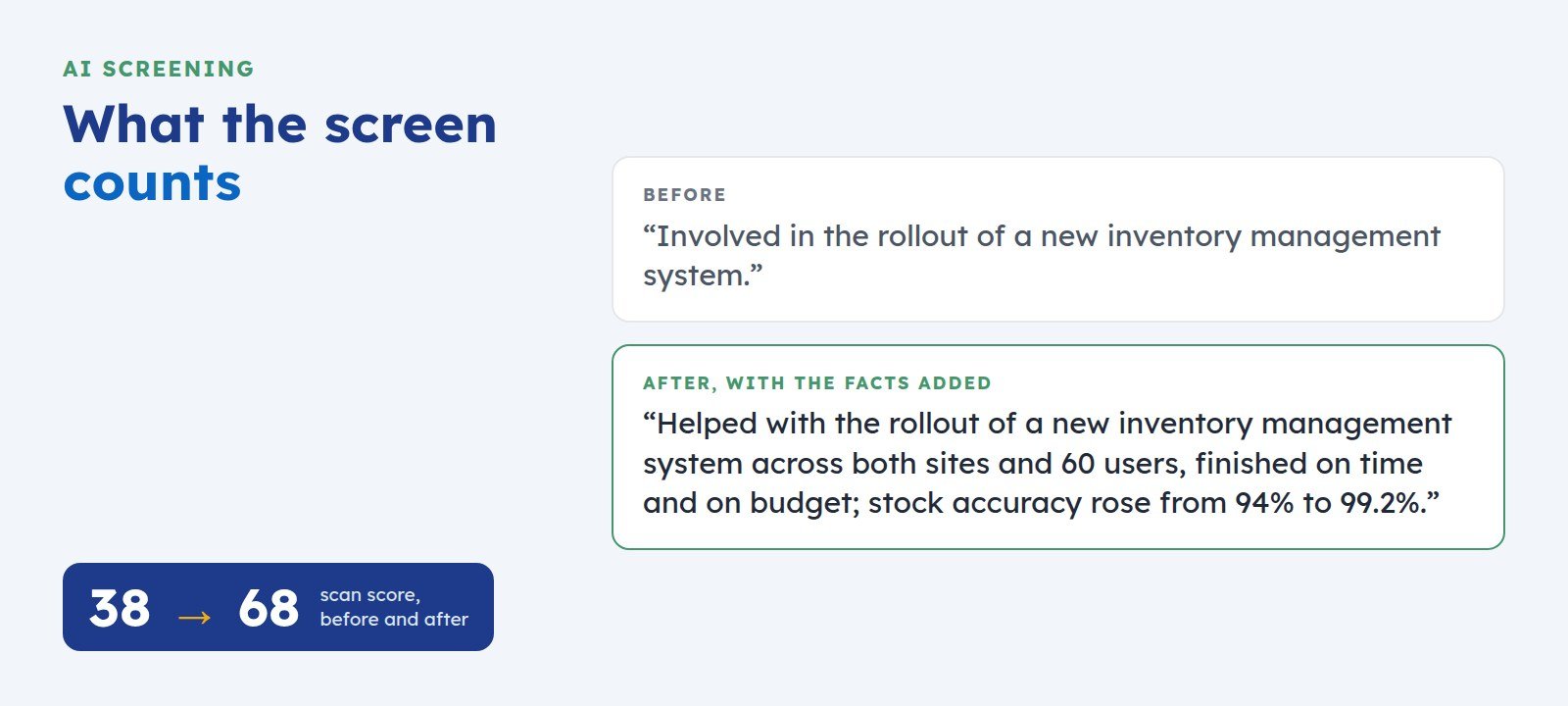 How to Get Your LinkedIn Profile Past AI ScreeningScreening software reads your LinkedIn profile before a recruiter does. Here is what it looks for, where profiles lose points, and five fixes you can make today.