
How to Write Achievements on a CV, With Examples
Score your About section or CV summary, free
A duty says what the job was. An achievement says what changed because you did it.
Screening software and recruiters both rank on achievements, because achievements offer evidence: a number, a scale, a result. Duties offer none. “Responsible for customer service” describes a thousand CVs. “Cut average complaint resolution from five days to two across 3,000 tickets a year” describes one.
The four-part pattern
Every achievement line answers four questions: what did you do, for whom, at what scale, and with what result? The verb comes first, then the scale, then the result. Keep the verb truthful: if you helped, write “helped with”.
Eight duties, rewritten as achievements
- Before: “Managed the marketing budget.” After: “Managed a $1.2 million marketing budget across four channels; cost per lead fell 22% in the year.”
- Before: “Trained new staff.” After: “Trained 18 new customer service staff over two years; all passed probation, against a branch average of 80%.”
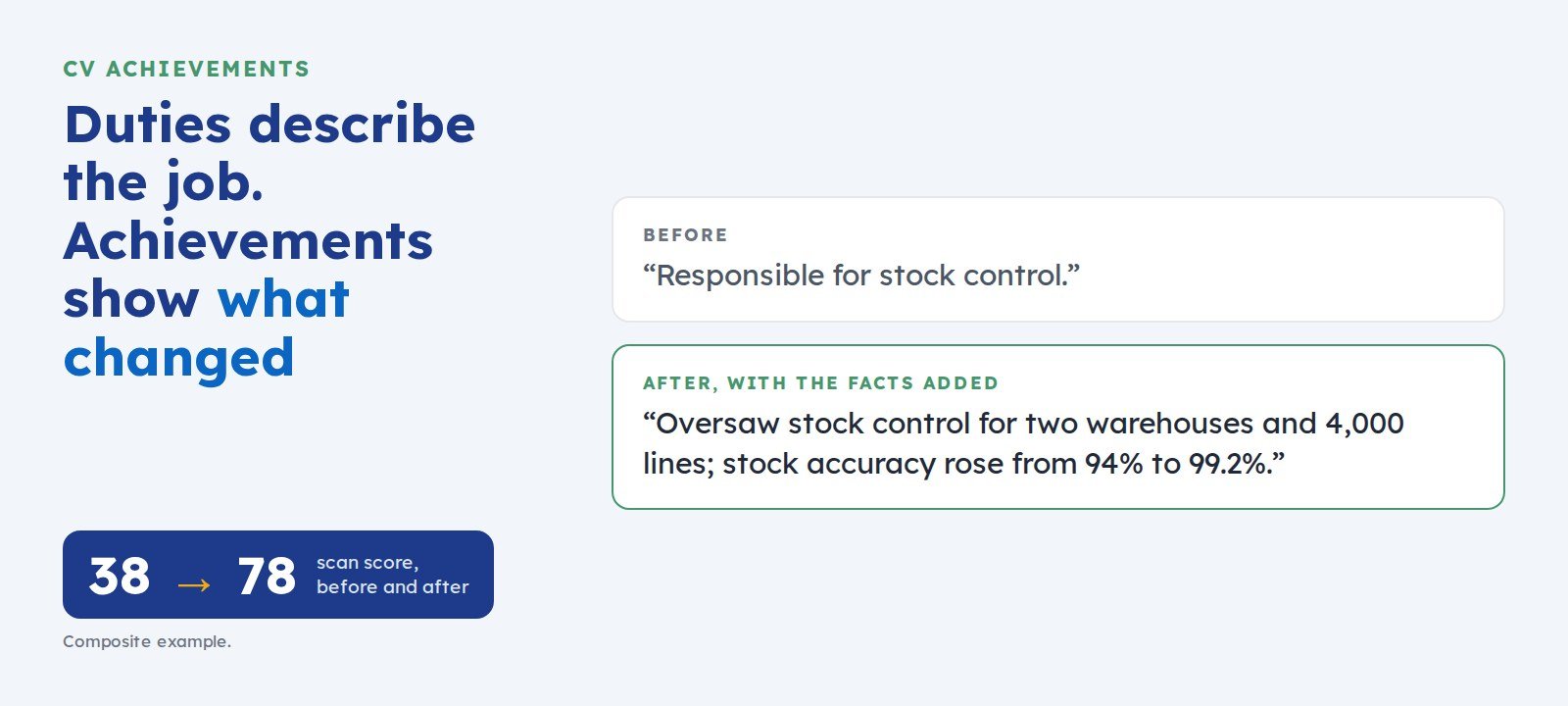
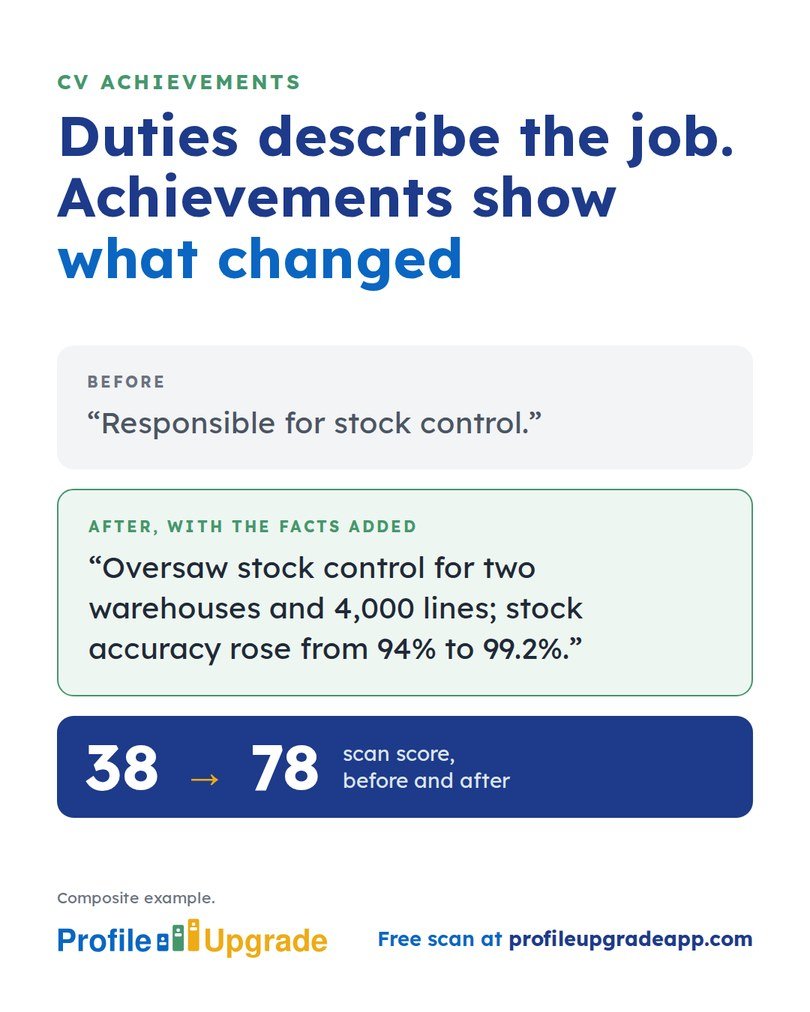
- Before: “Responsible for stock control.” After: “Oversaw stock control for two warehouses and 4,000 lines; stock accuracy rose from 94% to 99.2%.”
- Before: “Prepared monthly reports.” After: “Prepared the monthly board report for a 60-store retailer, cutting preparation time from five days to two by automating the data pull.”
- Before: “Involved in a system migration.” After: “Helped with the migration of 12,000 client records to a new CRM, finished two weeks early with no data loss.”
- Before: “Handled tenders.” After: “Wrote and submitted 14 tenders over three years, winning six worth a combined $8 million.”
- Before: “Supervised the night shift.” After: “Supervised a night shift of nine; lost-time injuries fell from four a year to none over two years.”
- Before: “Assisted with fundraising.” After: “Helped run the annual appeal, which raised $210,000 from 1,400 donors, up 15% on the previous year.”
In Profile Upgrade’s composite example, a warehouse supervisor’s profile rewritten this way rose from 38 to 78 on the scan.
These are composite examples. Build yours from your own facts, and never write a figure you cannot stand behind at interview.
Where to find your numbers
- Performance reviews and probation reports, which often quote targets and results.
- Budgets, invoices, and tender documents, for money and scale.
- Team lists and rosters, for headcount.
- Old emails announcing a result: a go-live, an audit passed, a target met.
- Where no exact figure exists, a fair estimate stated as one, such as “about half”, still beats no figure.
Find the duties still hiding on your CV
Profile Upgrade’s free scan reads your CV or LinkedIn profile, marks the lines that undersell you, quoted in your own words, and rewrites three of them as achievements, with a prompt for any figure only you hold.
Step 1 of 3 · 30 seconds
How does your About section score?
Paste your LinkedIn About section, or the summary at the top of your CV, and pick the role you want below. Your score appears in seconds, with a stronger opening.
No account, no email. Profile Upgrade saves nothing you paste.
See how a screen reads your profile. The free scan scores your LinkedIn profile or CV out of 100, marks the lines that undersell you, quoted in your own words, and rewrites three of them. No account; nothing you paste is saved.
More guides
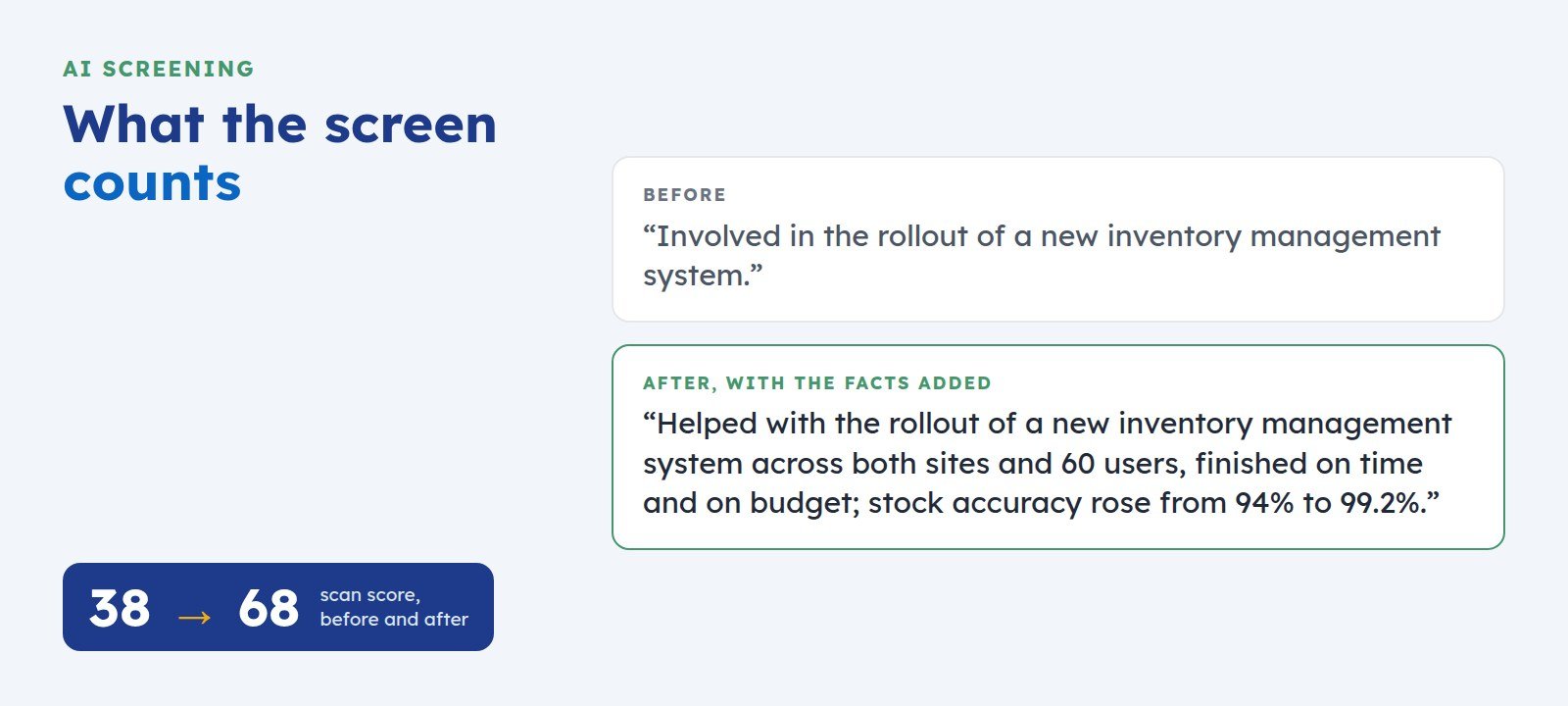 How to Get Your LinkedIn Profile Past AI ScreeningScreening software reads your LinkedIn profile before a recruiter does. Here is what it looks for, where profiles lose points, and five fixes you can make today.
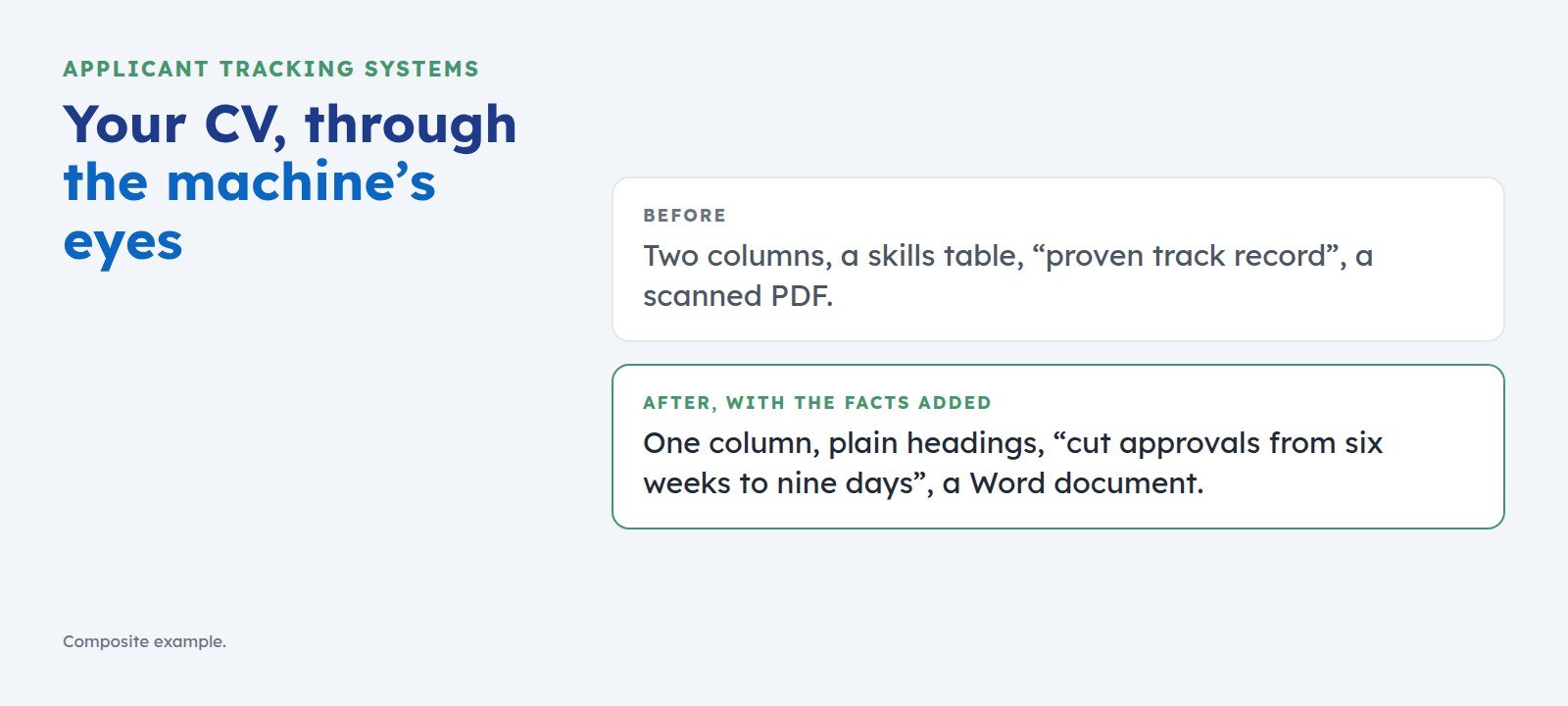 What an ATS Does With Your CV, and How to Get Past ItAn applicant tracking system reads your CV before a recruiter does. Here is what it does with your application, what it misreads, and five fixes that get you ranked.
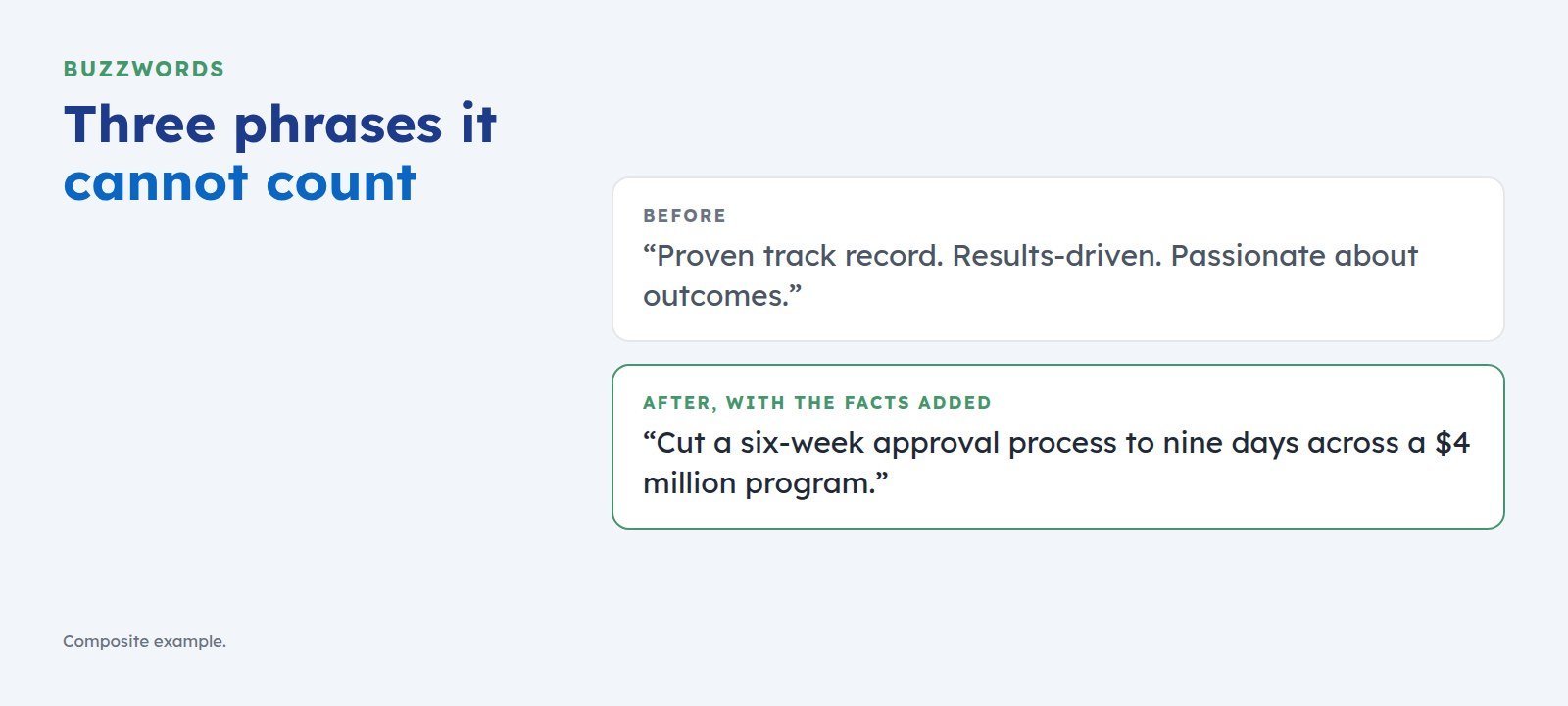 The Buzzwords That Cost You the Shortlist, and What to Write Instead“Proven track record” and “results-driven” give screening software nothing to count. Here is the swap test that turns each buzzword into a line a recruiter can shortlist.