
How to Write a LinkedIn Profile After a Career Break
Score your LinkedIn headline free, in 10 seconds
A gap on a profile invites a guess. A plain statement closes the question.
Screening software and recruiters both notice a break. What they do with it depends on what you say. Silence leaves them to assume the worst; a plain statement lets them move on to your record.
State the break in one line
Add the break to your Experience section as its own entry, with dates: “Career break, 2023 to 2025: full-time carer for a family member.” Or “parental leave”, or “study”, or “travel”. One line, no apology, no explanation beyond the fact.
LinkedIn provides a Career break entry type for exactly this. Use it, so the dates line up and the screen reads a continuous record.
Show what you kept current
Anything done during the break that touches your field belongs on the profile: a course completed, a volunteer treasurer role, contract work, a professional membership renewed. Name each with the year. A returner who writes “Completed the CPA Australia ethics module, 2025” has answered the currency question before anyone asks it.
One payroll specialist, before and after
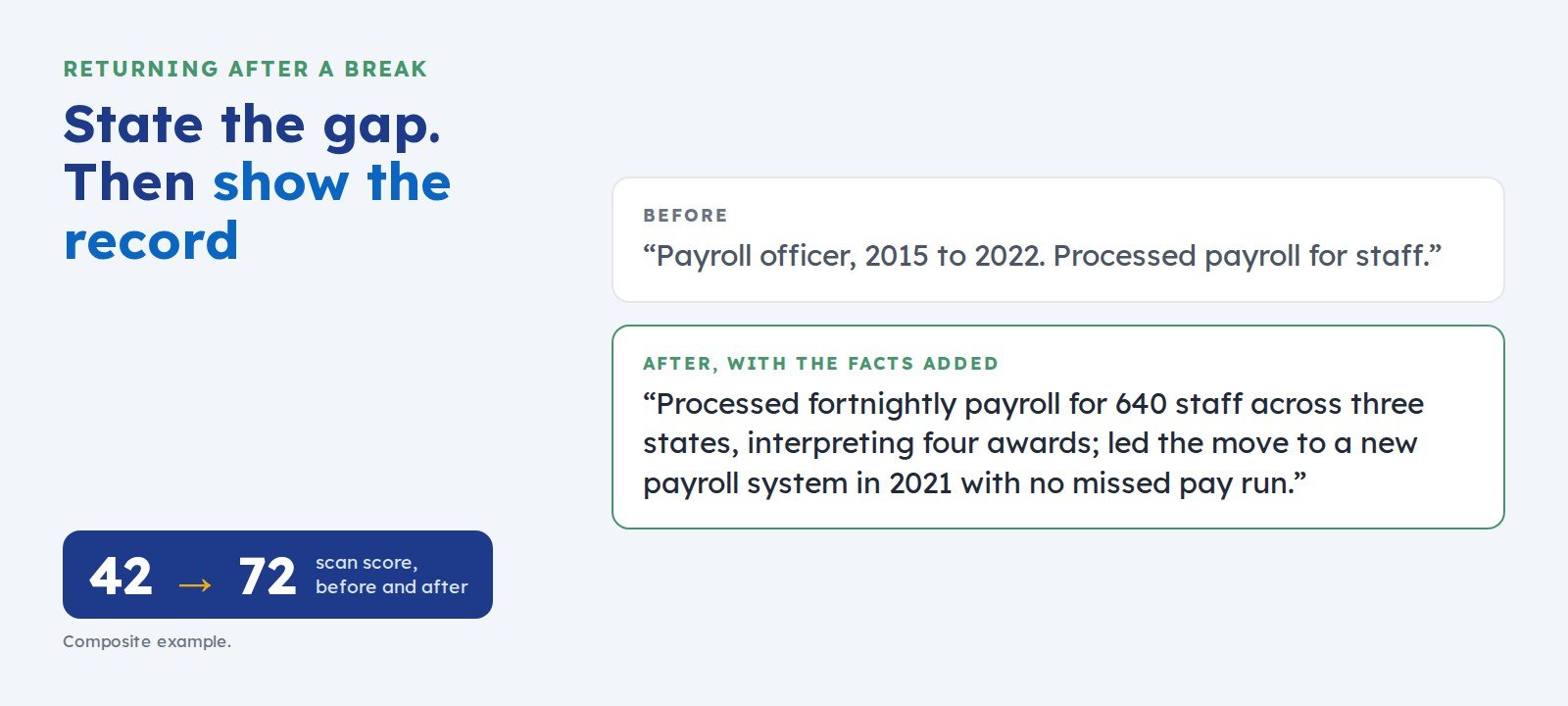
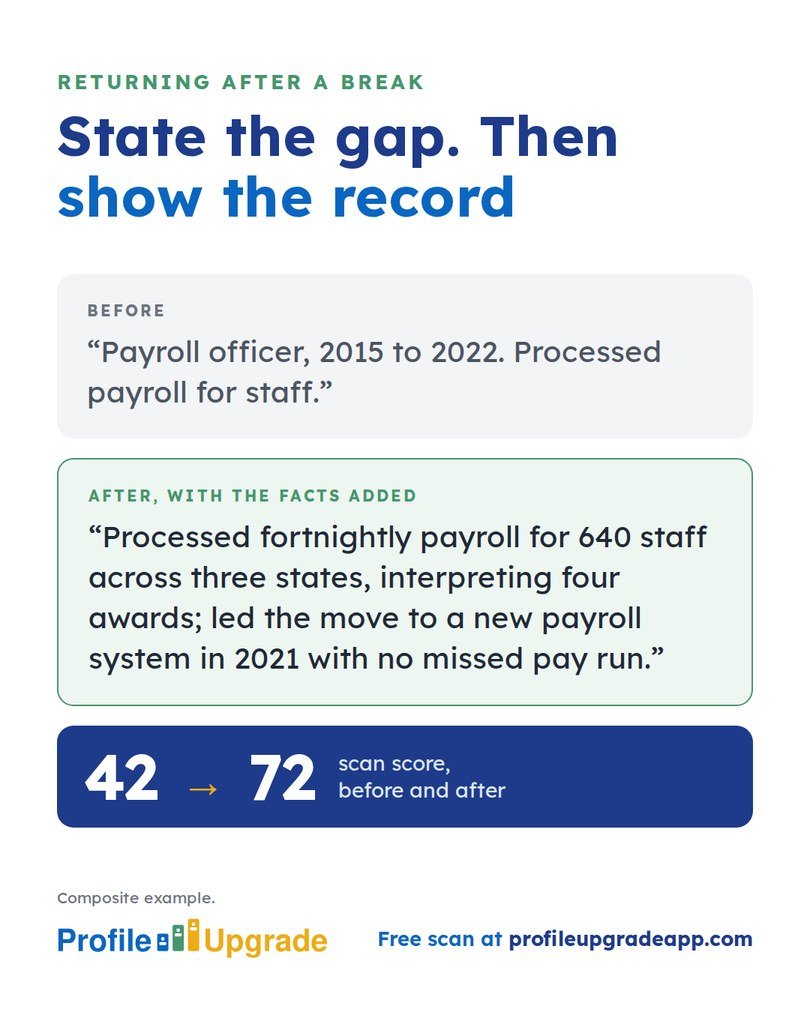
Before: “Payroll officer, 2015 to 2022. Processed payroll for staff.”
After, with the facts added: “Payroll specialist, 2015 to 2022. Processed fortnightly payroll for 640 staff across three states, interpreting four awards; led the move to a new payroll system in 2021 with no missed pay run.” Then the break, stated plainly, then: “Completed a payroll compliance refresher, 2025.”
The record was always there. The rewrite gave it scale, and the refresher gave it currency. In Profile Upgrade’s composite example, that rewrite lifted the profile’s scan score from 42 to 72.
Four moves for a returner’s profile
- Write your headline for the role you want now: “Payroll specialist returning to work · Multi-state payroll and award interpretation · Sydney”.
- Rebuild your last role before the break around outcomes: what you did, at what scale, and with what result.
- List your skills for the role you want next, most relevant first, so the screen matches you against current job ads.
- Update your location and your Open to Work settings, so recruiters searching now can find you.
See whether your wording undersells your record
Choose “Returning after a break” in Profile Upgrade’s free scan. The report marks the lines that undersell you, quoted in your own words, and rewrites three of them, with prompts for the facts only you hold.
Step 1 of 3 · 10 seconds
How does your LinkedIn headline score?
Paste the line under your name. Your score appears in seconds, with a stronger headline written for the role you pick below.
No account, no email. Profile Upgrade saves nothing you paste.
See how a screen reads your profile. The free scan scores your LinkedIn profile or CV out of 100, marks the lines that undersell you, quoted in your own words, and rewrites three of them. No account; nothing you paste is saved.
More guides
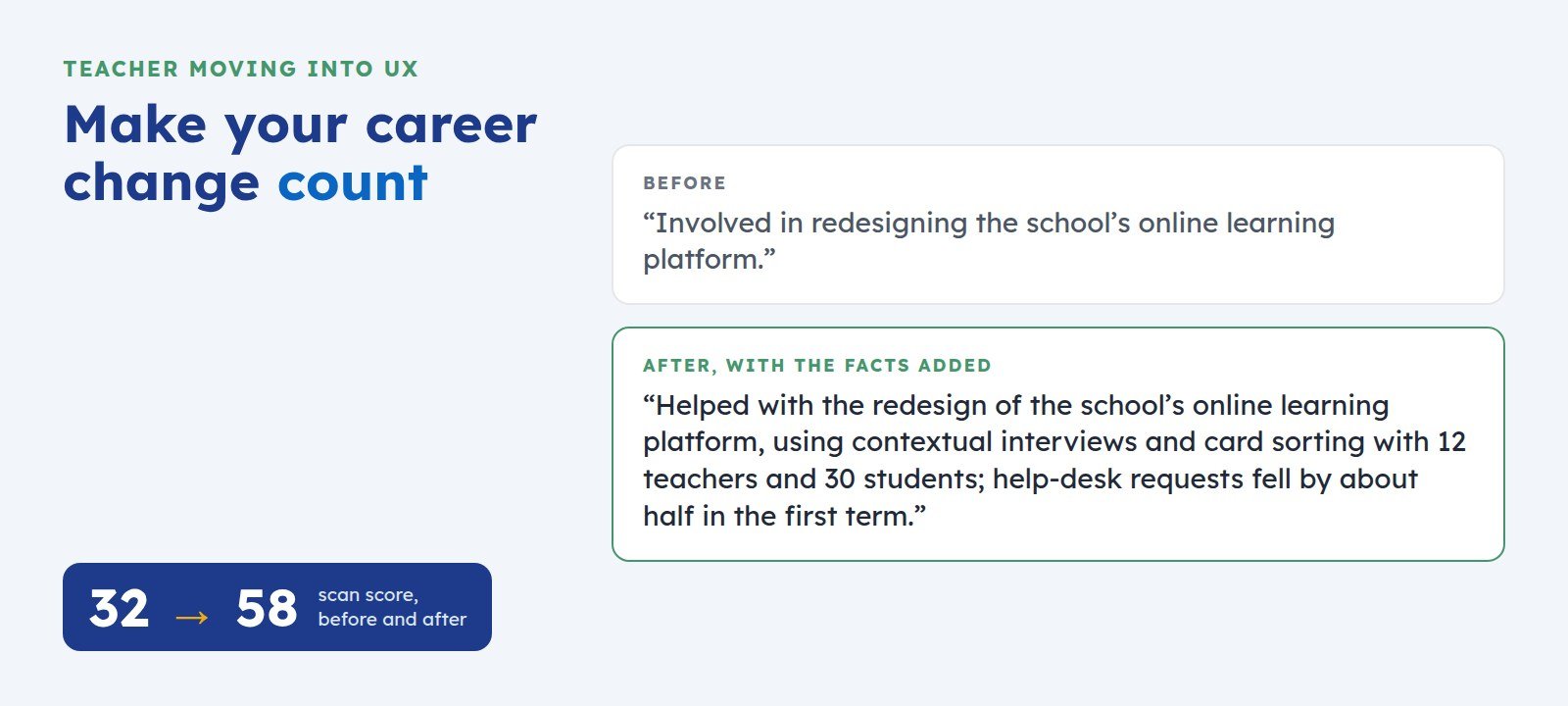 How to Write a LinkedIn Profile for a Career ChangeChanging fields? Your experience counts, but your wording may hide it. Here is how to describe past work in your new field’s own terms, with a before-and-after example.
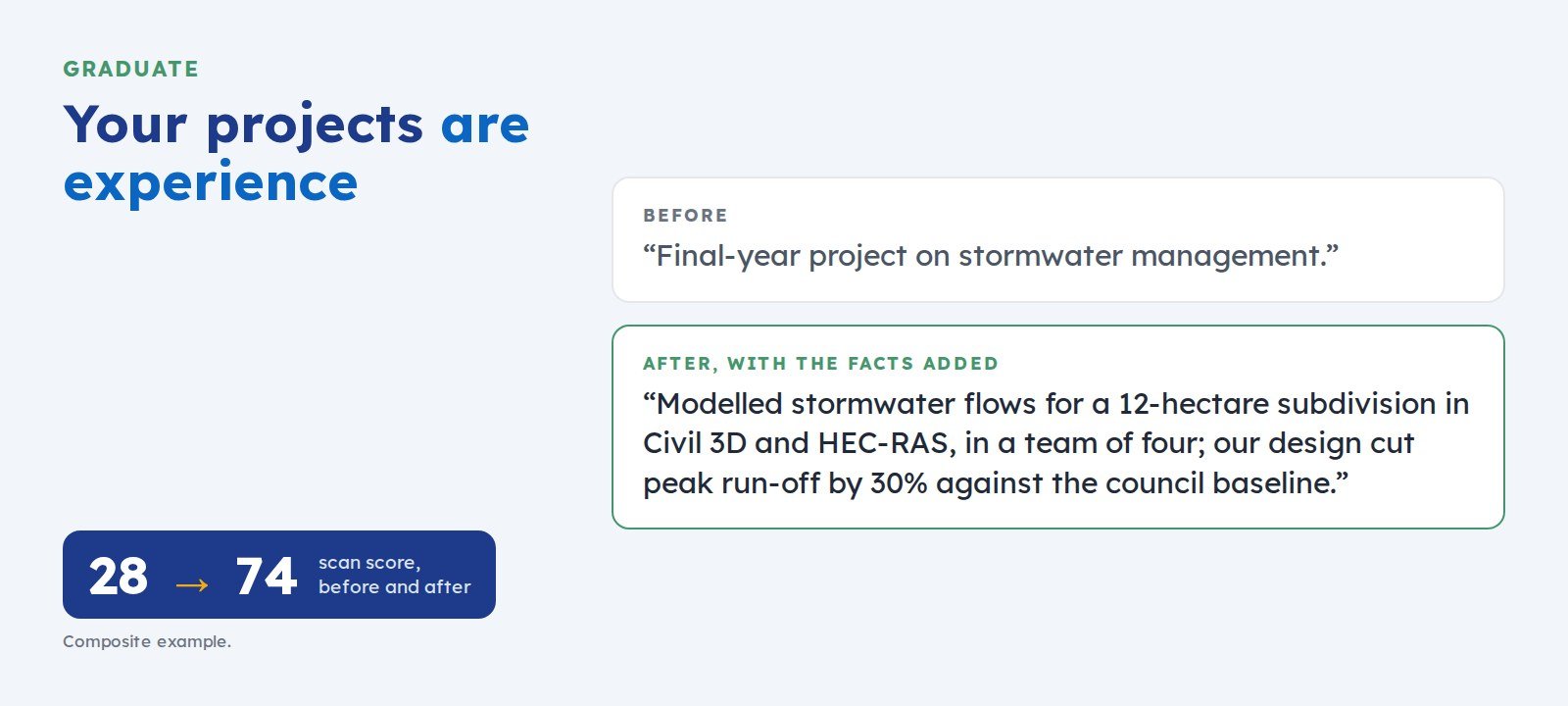 How to Write a LinkedIn Profile as a Graduate With Little ExperienceNo job history yet? Your projects, placements, and part-time work count as experience when you describe them with the tool, the scale, and the result. Examples included.
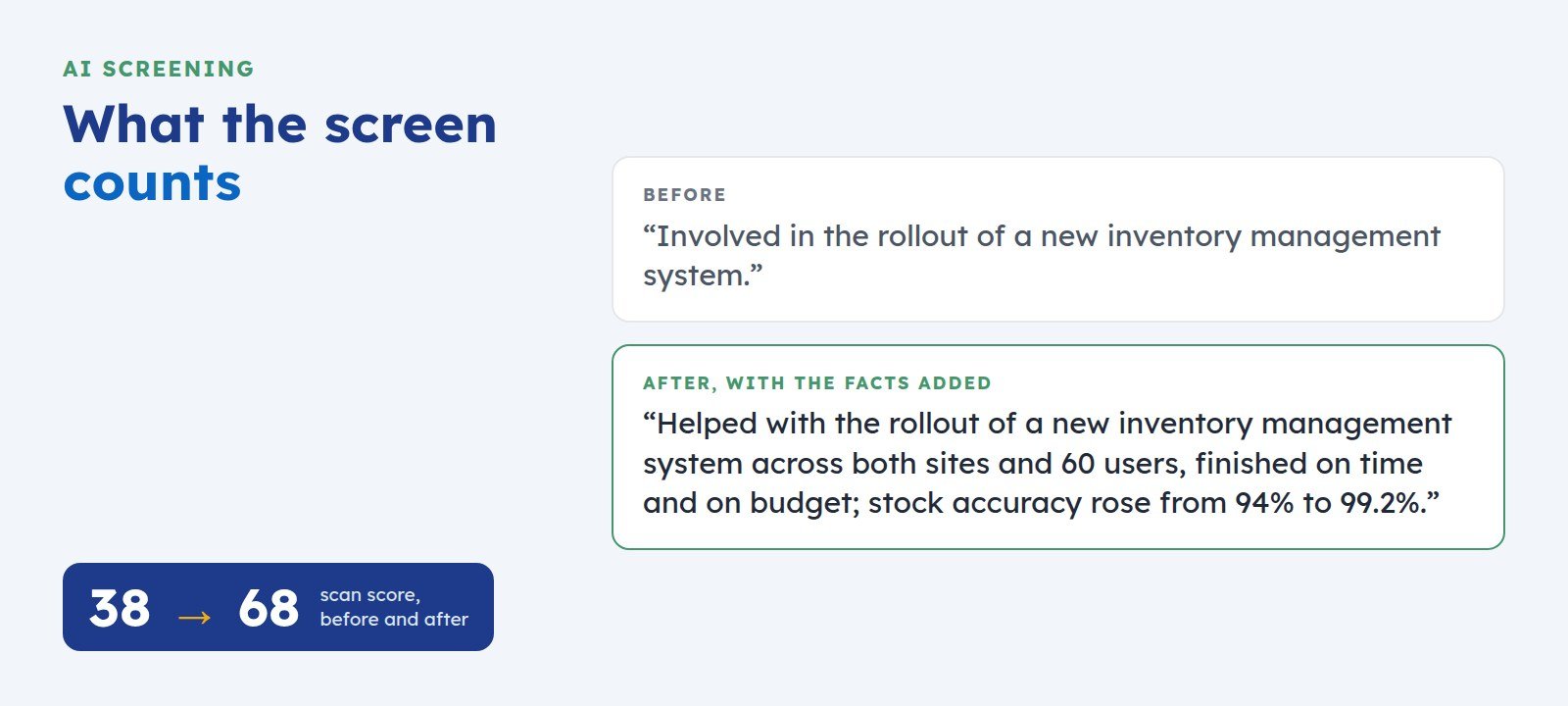 How to Get Your LinkedIn Profile Past AI ScreeningScreening software reads your LinkedIn profile before a recruiter does. Here is what it looks for, where profiles lose points, and five fixes you can make today.