
How to Write a LinkedIn Profile as an Independent Consultant
Score your LinkedIn headline free, in 10 seconds
Strategic mindset. Client-focused. Trusted adviser. Thousands of consultant profiles read exactly like that, so neither a client nor an AI assistant asked whom to call can tell you apart.
The profiles that win engagements name four things: the methods you use, the sectors and regions you serve, the scale of your clients, and results a client can picture.
One consultant, before and after
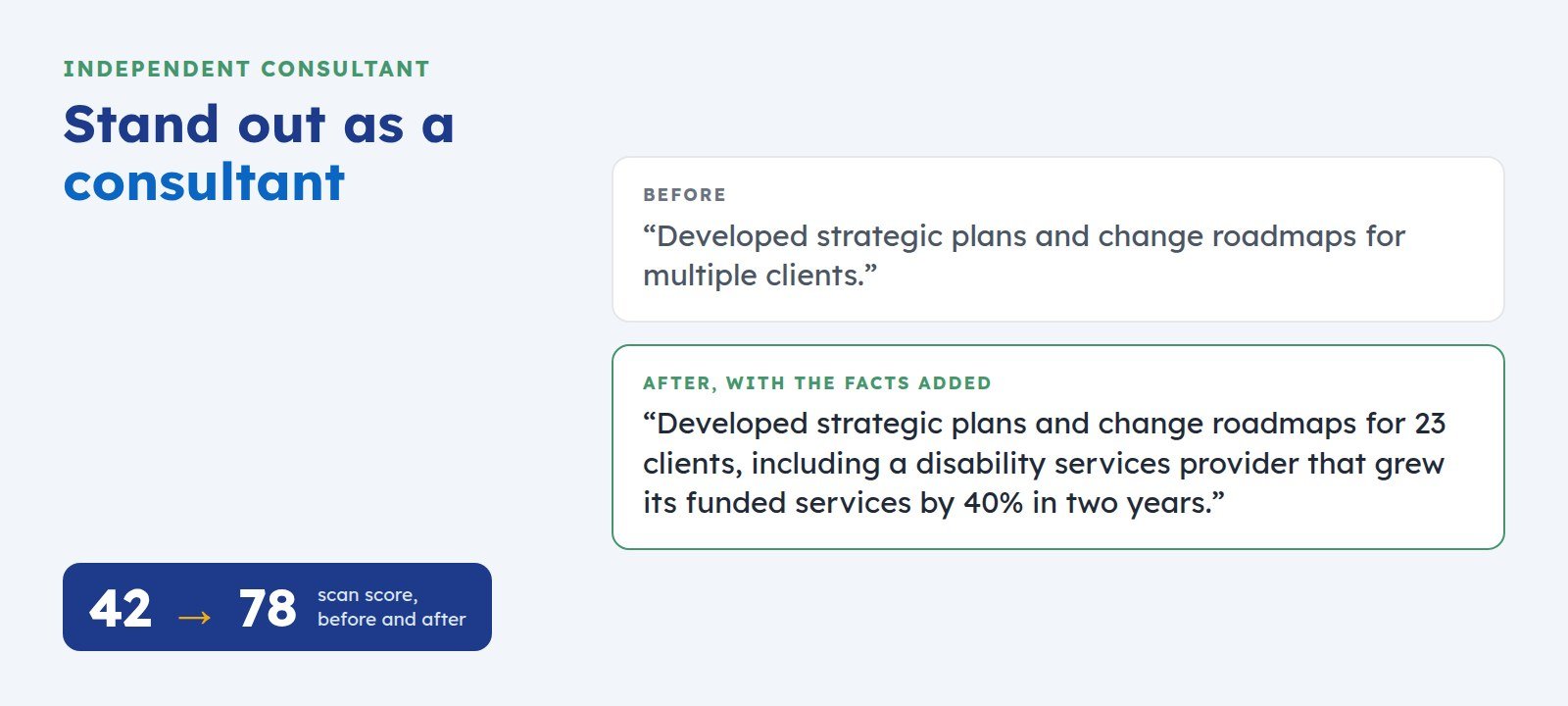
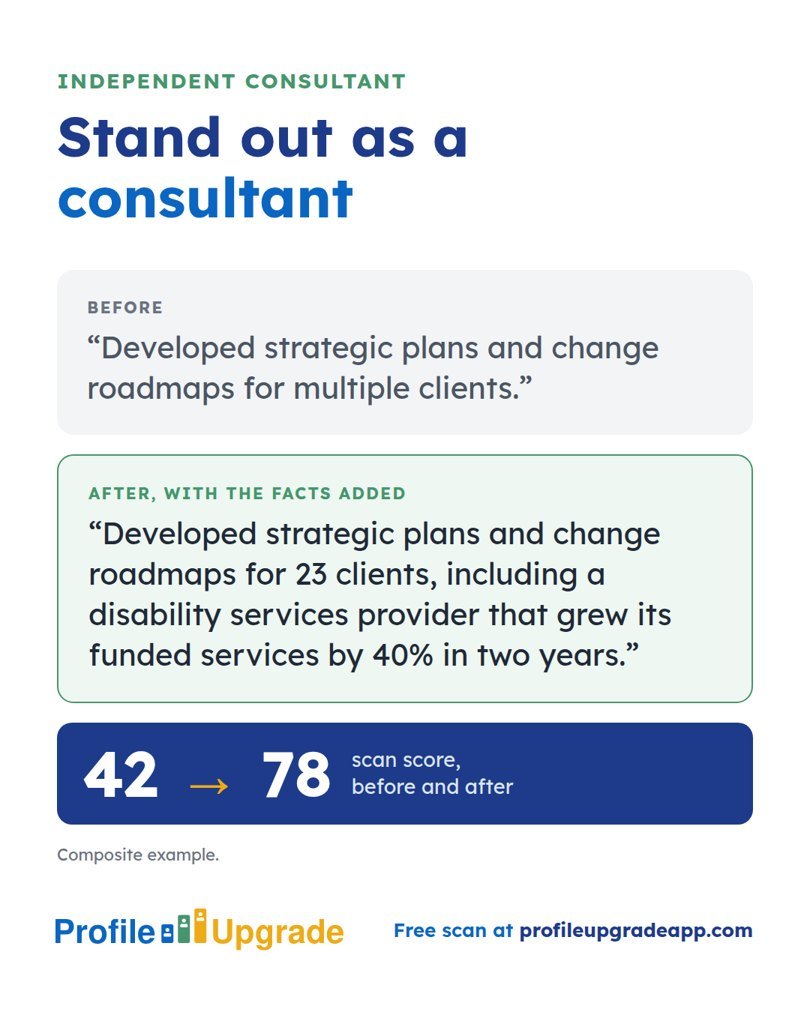
Before: “Developed strategic plans and change roadmaps for multiple clients.”
After, with the facts added: “Developed strategic plans and change roadmaps for 23 clients, including a disability services provider that grew its funded services by 40% in two years.”
The second line names the scale and a result a client can picture. In Profile Upgrade’s composite example, the rewrite lifted the profile’s scan score from 42 to 78.
Name your methods
Clients search for methods by name: Prosci, Lean Six Sigma, Agile, ISO 27001, PRINCE2, human-centred design. A method named on your profile matches a brief that asks for it. “Proven methodology” matches nothing.
Show repeat engagements
A client who came back is the strongest evidence a consultant holds. “Three engagements with the same provider over five years” tells a prospective client more than any adjective.
Five moves for a consultant profile
- Headline: what you do, for whom, and the proof. “Change management consultant for disability and aged care providers · 23 clients since 2019”.
- About section: open with the problems clients bring you, as two or three concrete examples with results.
- List your methods and frameworks in a sentence, in the words a brief would use.
- Give each significant engagement its own Experience entry or bullet: the client’s sector and scale, the brief, and the result.
- Feature a case study, a client testimonial, or a talk. Each proves the record in public.
Test your profile against a real brief
Profile Upgrade’s free brief match reads your profile beside a tender, scope, or client request, scores the alignment, and names the three gaps to close first. Choose “Independent consultant or adviser” for the scan.
Step 1 of 3 · 10 seconds
How does your LinkedIn headline score?
Paste the line under your name. Your score appears in seconds, with a stronger headline written for the role you pick below.
No account, no email. Profile Upgrade saves nothing you paste.
See how a screen reads your profile. The free scan scores your LinkedIn profile or CV out of 100, marks the lines that undersell you, quoted in your own words, and rewrites three of them. No account; nothing you paste is saved.
More guides
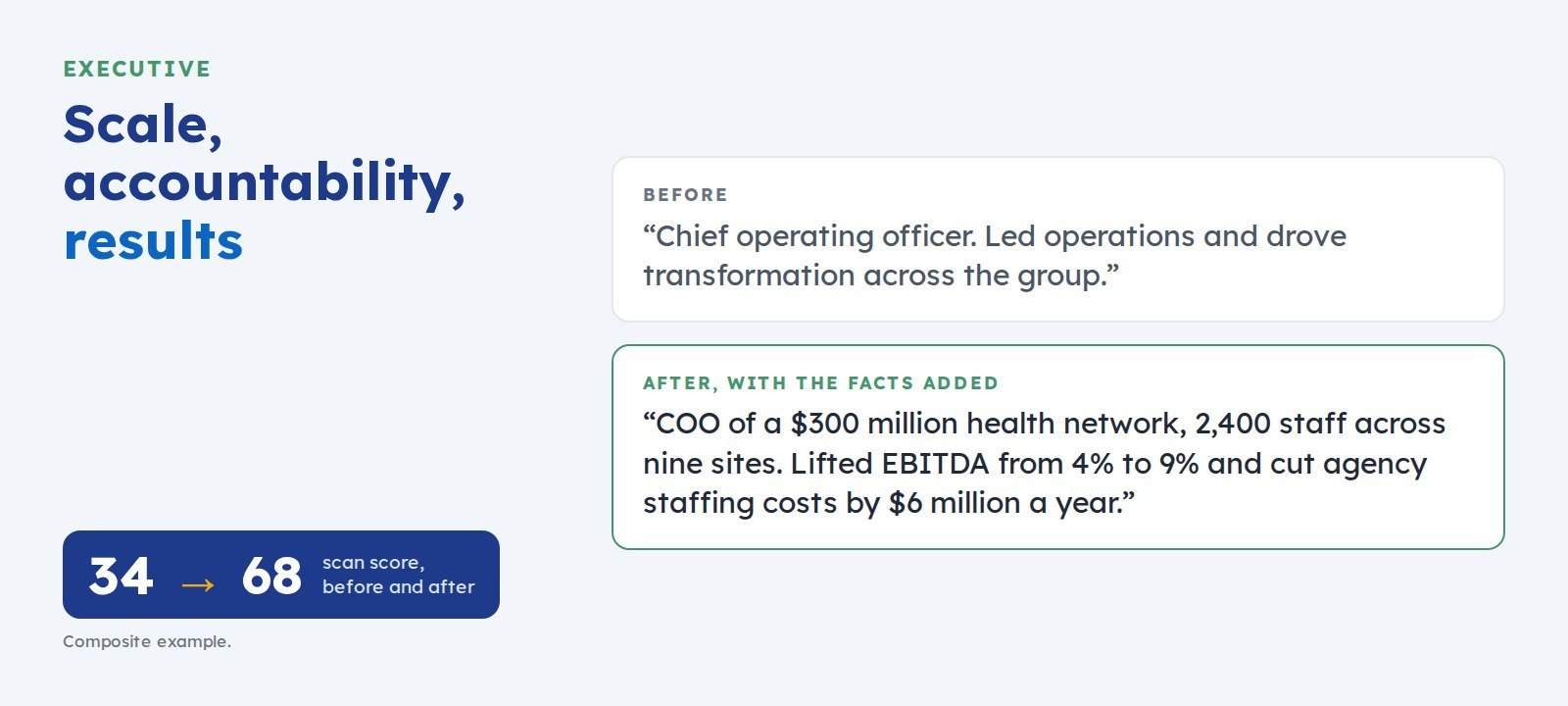 How to Write an Executive LinkedIn ProfileFor CEO, general manager, and C-suite candidates. Boards and search firms weigh enterprise scale, profit-and-loss accountability, and decisions with results. Here is how to show all three.
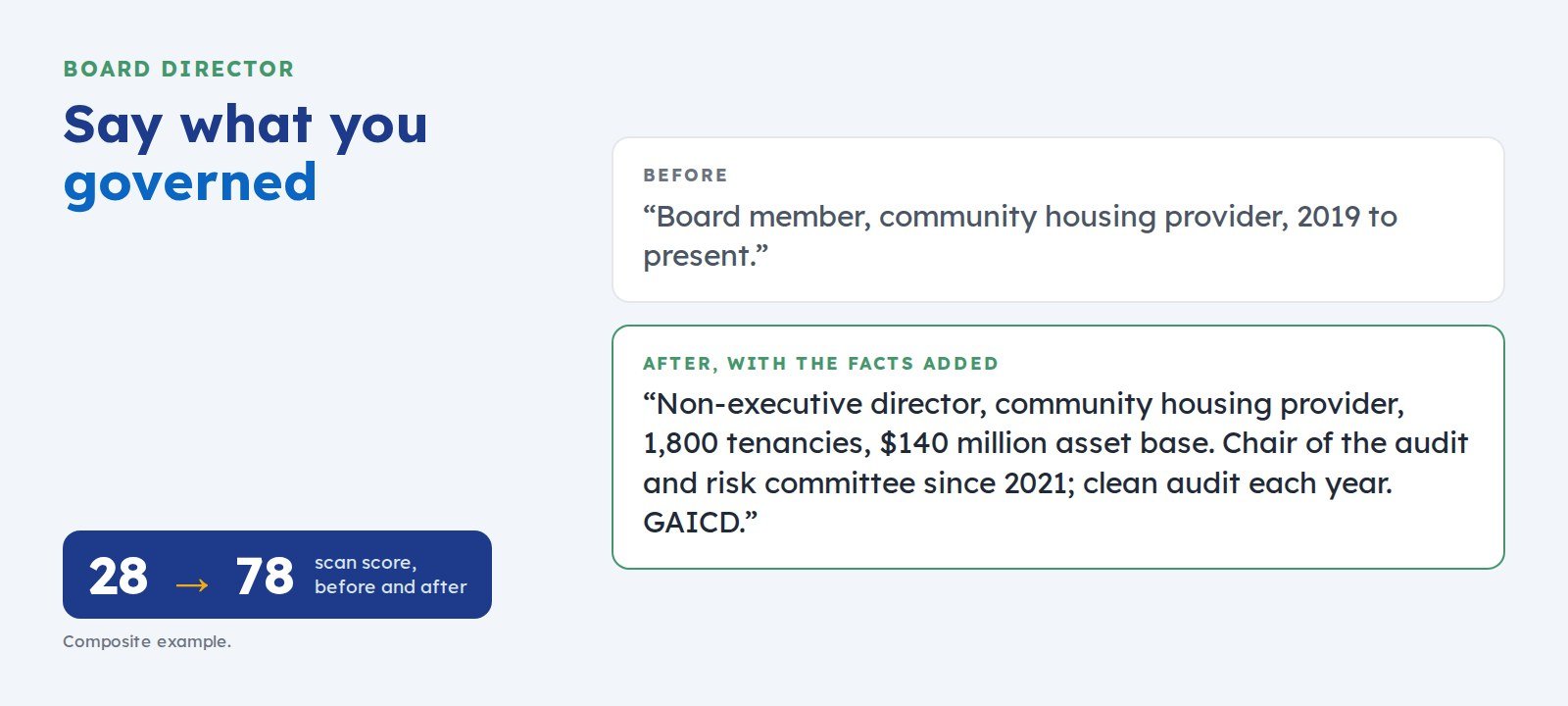 How to Write a LinkedIn Profile for Board and Non-Executive Director RolesFor non-executive director candidates. Nomination committees weigh governance experience, committee roles, fiscal oversight, and independent judgement. Here is how to show each one.
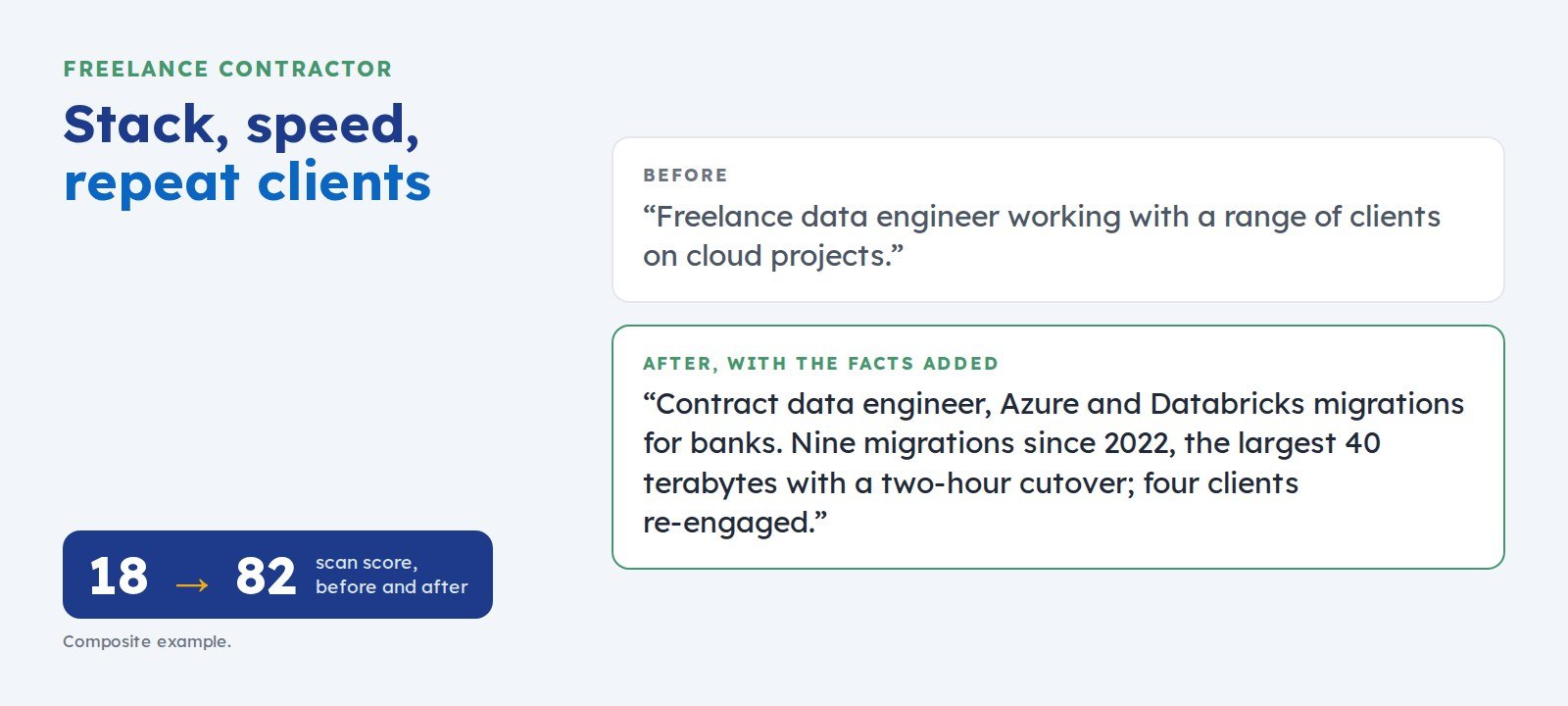 How to Write a LinkedIn Profile as a Freelance ContractorClients hiring a contractor weigh your technical stack, your delivery speed, your case studies, and whether clients come back. Here is how to show all four, with an example.