
How to Write a LinkedIn Profile as a Freelance Contractor
Score your LinkedIn headline free, in 10 seconds
A client hiring a contractor asks four questions: can you do the work, how fast, what have you delivered before, and did those clients come back?
Screening tools and AI assistants ask the same four, in the words of your trade. A profile that answers them in those words gets the call.
Name the stack, in the client’s words
Write the tools and technologies a brief would name: Azure, Databricks, React, Figma, Xero, WordPress. A client searching “Databricks contractor Brisbane” finds the profile that says those three words.
One contractor, before and after
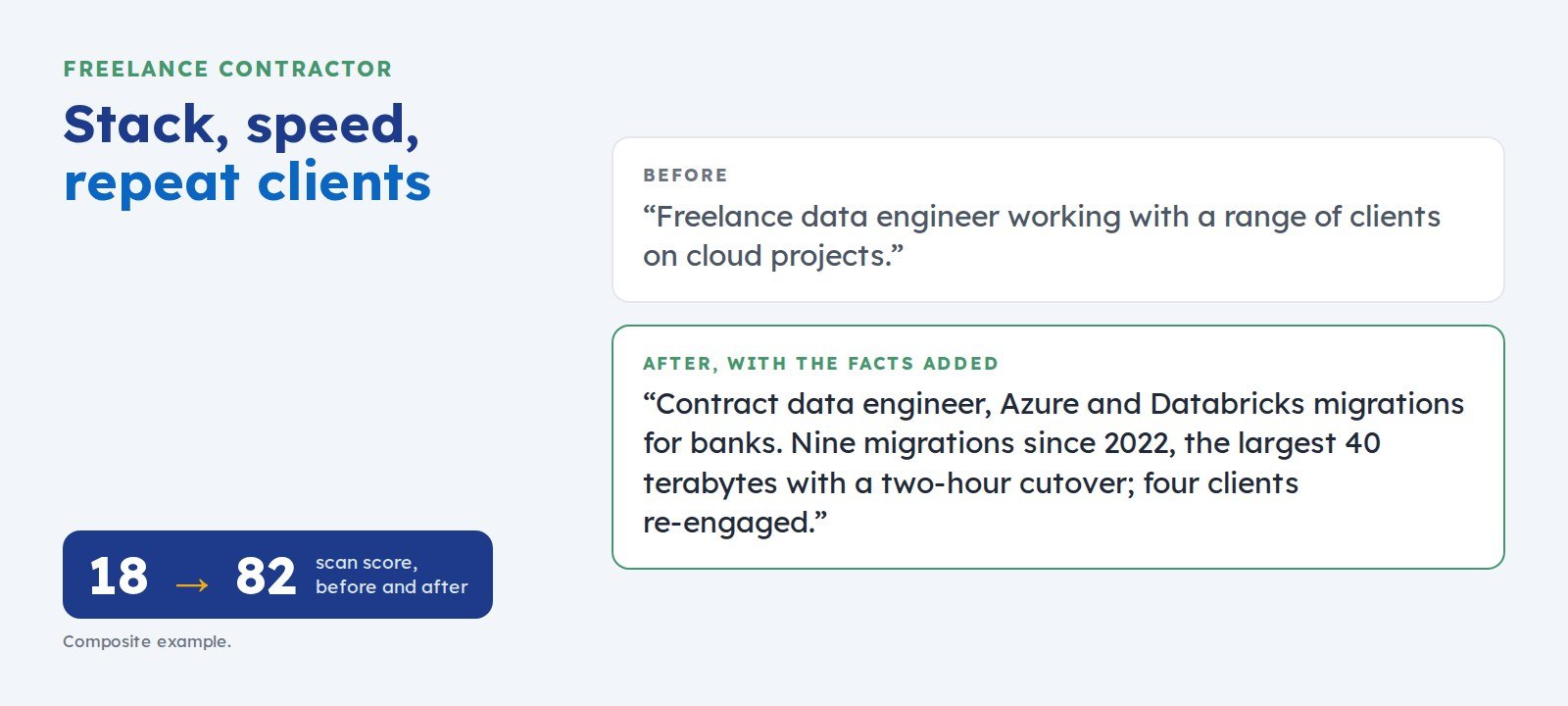
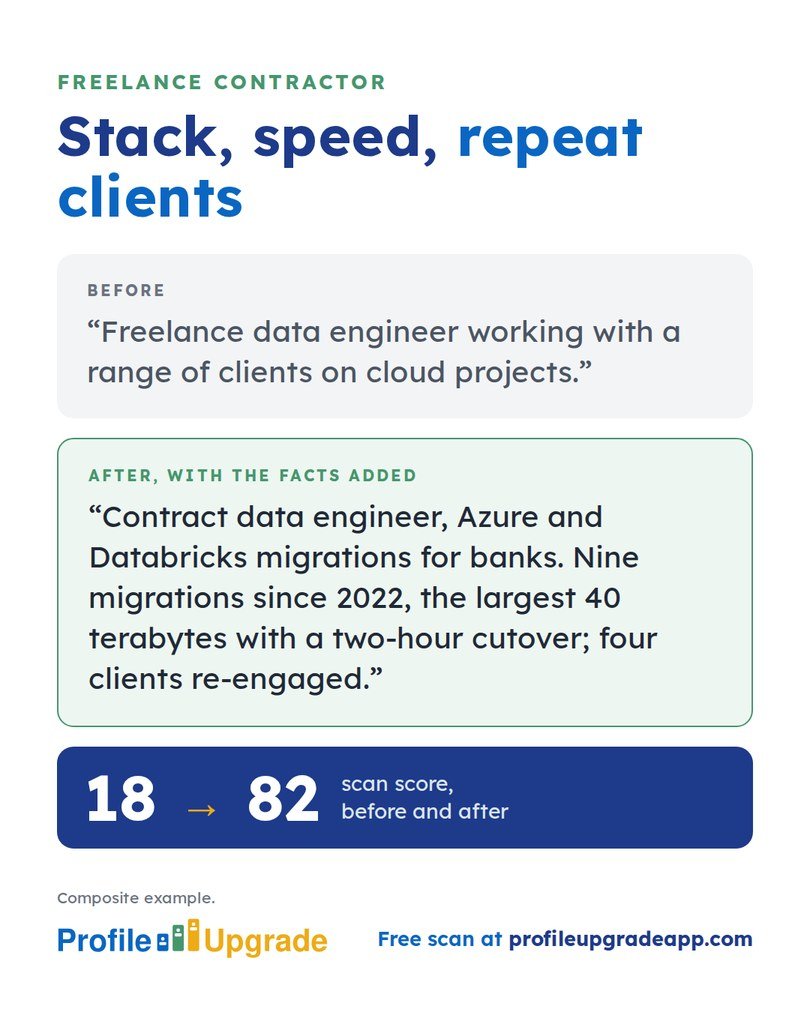
Before: “Freelance data engineer working with a range of clients on cloud projects.”
After, with the facts added: “Contract data engineer specialising in Azure and Databricks migrations for banks and insurers. Delivered nine migrations since 2022, the largest moving 40 terabytes with a two-hour cutover; four of the nine clients have re-engaged me.”
The first line could be any contractor. The second names the stack, the sector, the scale, the speed, and the repeat business. In Profile Upgrade’s composite example, that rewrite lifted the profile’s scan score from 18 to 82.
Show speed and scale
Contractors are hired for delivery. Give the size of what you delivered and how long it took: pages built, records migrated, weeks to go-live.
Five moves for a contractor profile
- Headline: trade, stack, sector, availability. “Contract data engineer · Azure and Databricks migrations for banks · Available from November 2026”.
- Open your About section with the kind of project you take on and the result clients get, then your stack in one sentence.
- Write each project as a short case study: client sector, the brief, the stack, the timeline, the result.
- State repeat clients as a figure: “four of nine clients re-engaged”.
- Feature a portfolio piece, a repository, or a client testimonial.
Test your profile against a brief
Choose “Freelance contractor or agency founder” in Profile Upgrade’s free scan, or paste a brief beside your profile in the free brief match to see the three gaps to close first.
Step 1 of 3 · 10 seconds
How does your LinkedIn headline score?
Paste the line under your name. Your score appears in seconds, with a stronger headline written for the role you pick below.
No account, no email. Profile Upgrade saves nothing you paste.
See how a screen reads your profile. The free scan scores your LinkedIn profile or CV out of 100, marks the lines that undersell you, quoted in your own words, and rewrites three of them. No account; nothing you paste is saved.
More guides
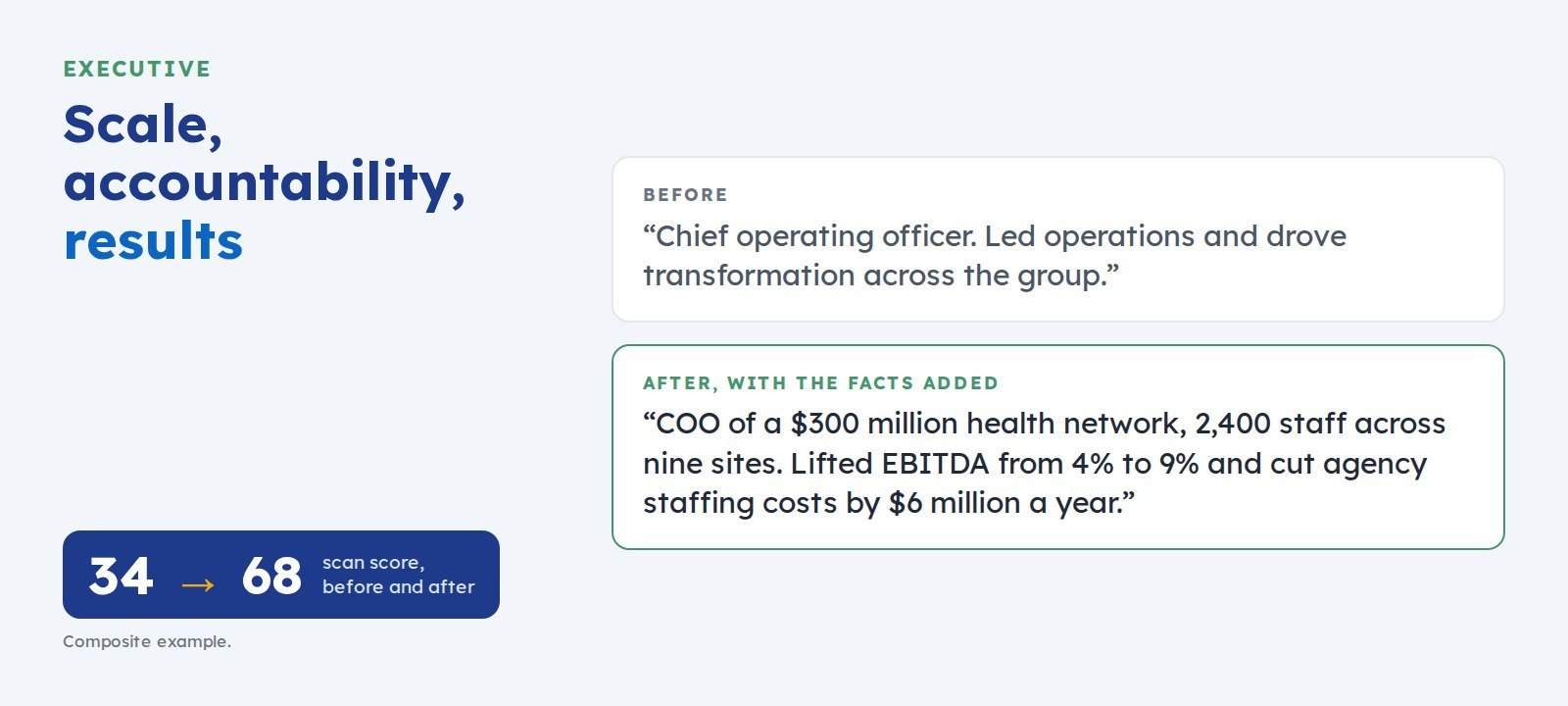 How to Write an Executive LinkedIn ProfileFor CEO, general manager, and C-suite candidates. Boards and search firms weigh enterprise scale, profit-and-loss accountability, and decisions with results. Here is how to show all three.
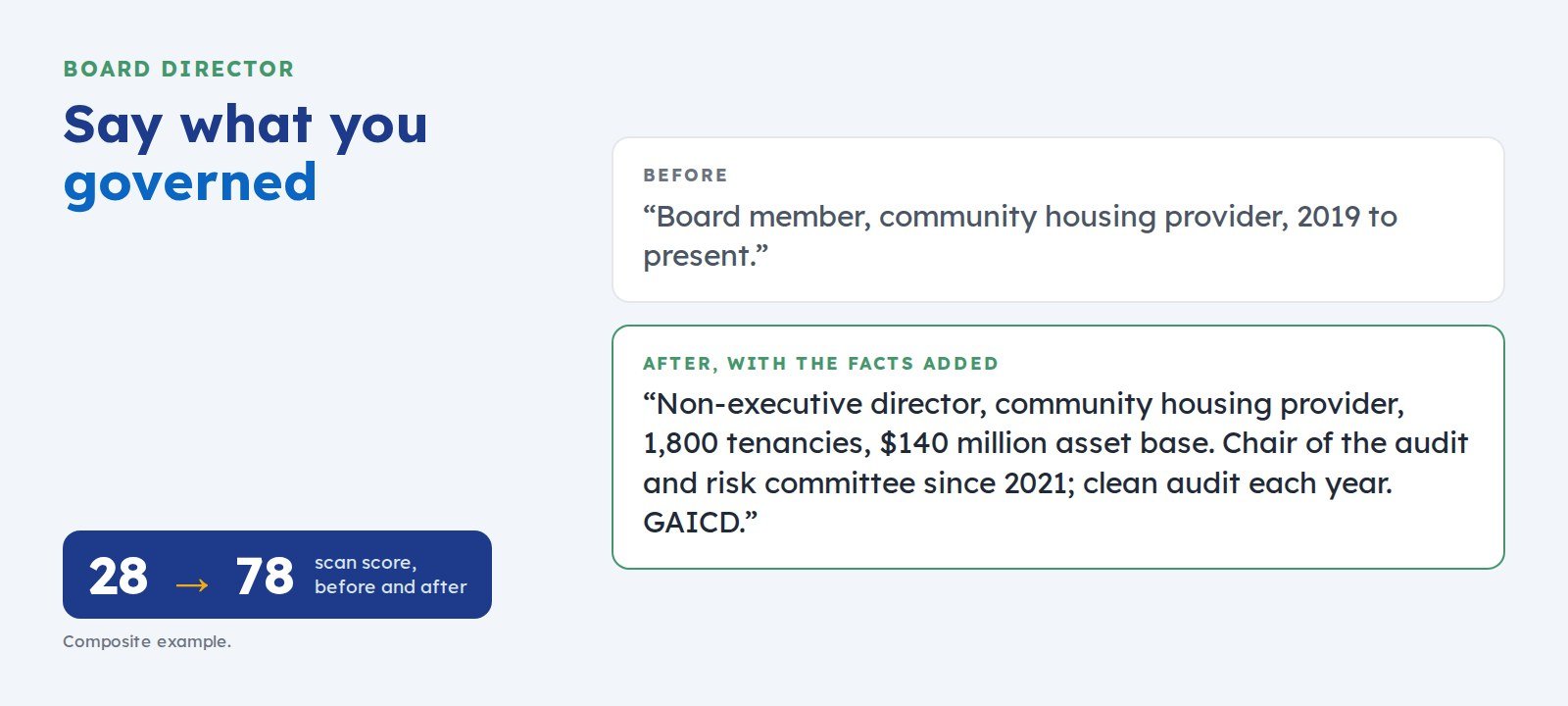 How to Write a LinkedIn Profile for Board and Non-Executive Director RolesFor non-executive director candidates. Nomination committees weigh governance experience, committee roles, fiscal oversight, and independent judgement. Here is how to show each one.
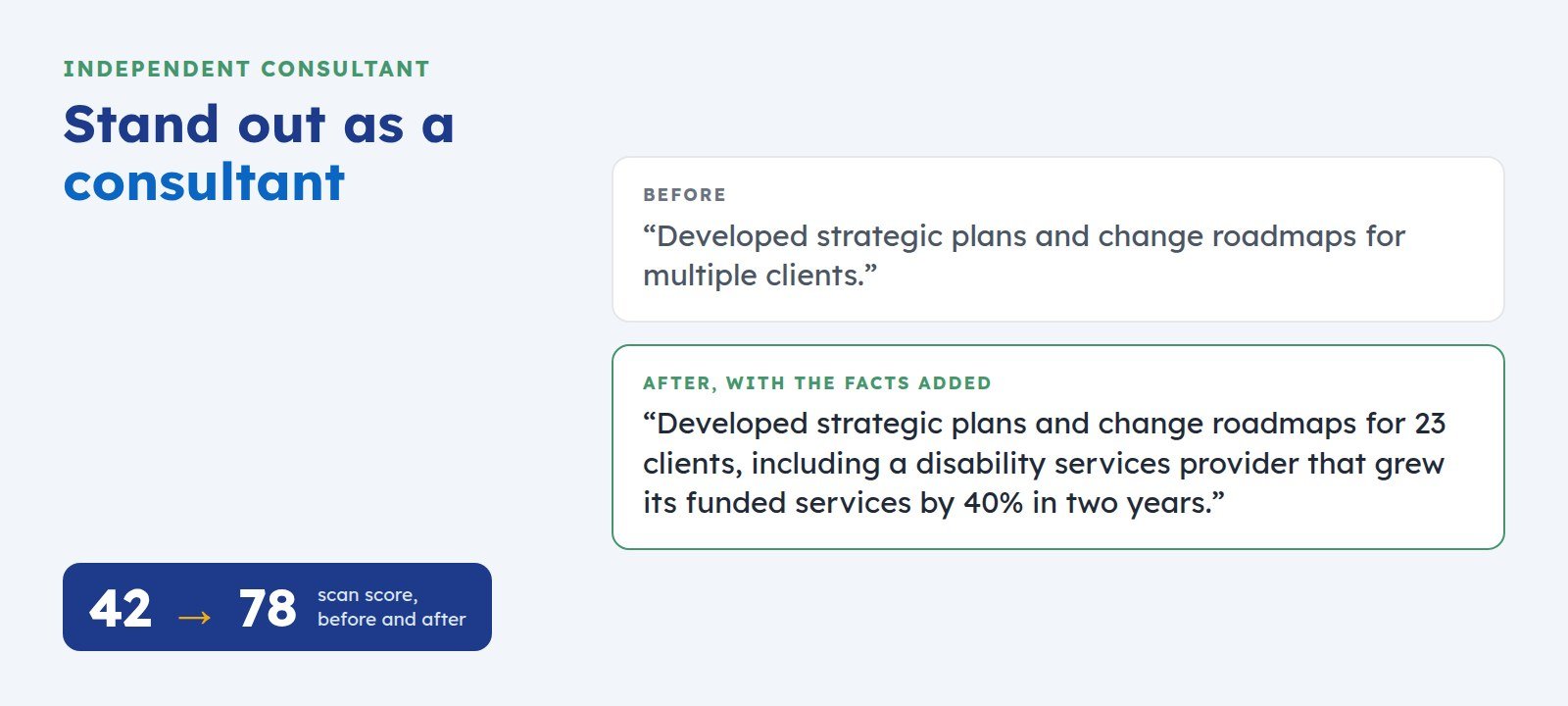 How to Write a LinkedIn Profile as an Independent ConsultantThousands of consultant profiles say “strategic mindset” and “client-focused”. Clients and their AI assistants pick the one that names methods, sectors, client scale, and results.